What does the error actually mean?
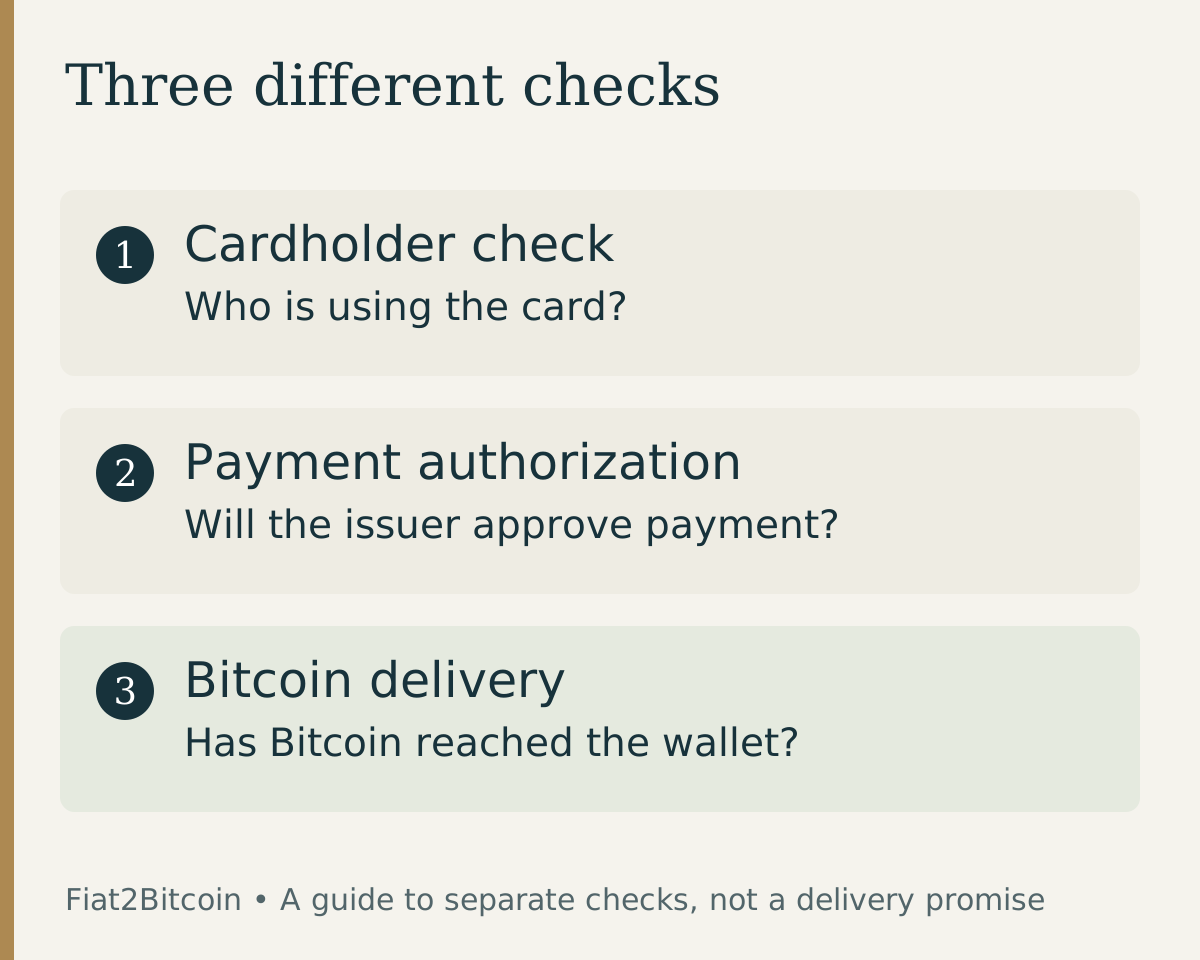
3D Secure, also called 3DS, is a cardholder-authentication process for online card payments. The merchant and card issuer exchange information to help check that the person using the card is its legitimate holder. Some transactions need an extra bank prompt; others are checked without a visible challenge. EMVCo explains the process.
The check may involve a bank-app approval, a one-time code or another method chosen by your issuer. It is different from a purchase provider checking your identity documents. Completing one does not establish that the other is finished.
There is also a separate decision about approving the payment. A successful bank prompt does not override card restrictions, insufficient available funds or a provider's eligibility rules. If the message is simply ‘declined,’ use the broader debit-card decline checklist.
Check the existing attempt before retrying
Keep the original checkout open if it is safe to do so. Record the provider, order reference, amount, time and exact error. Open your bank's official app separately and compare the card activity with the provider's order status.
A pending authorization is not proof of a completed Bitcoin purchase. An error screen is not proof that there is no active order. Resolve an unclear status with the provider before making another purchase. Our pending-payment guide explains which record answers which question.
Scroll across the table to see all columns.
| What you see | What to check next |
|---|---|
| No bank prompt arrived | Ask the issuer whether the card supports the required authentication and where the prompt should appear. |
| Code or app approval was rejected | Confirm the prompt belongs to this attempt. Ask the issuer about expiry, contact details or a locked verification step. |
| Bank prompt passed; checkout still failed | Ask the provider which stage failed. Authentication and payment authorization are separate. |
| Pending charge or open order | Investigate that attempt before retrying. Ask the issuer about the authorization and the provider about the order. |
Work through these checks in order
- Confirm you are on the provider's real checkout and that the bank prompt shows the expected merchant and amount. Stop if either looks wrong.
- Use your own card and verify the billing details against the issuer's records. Correct errors through the official checkout, not through a support message containing your full card number.
- Open the issuer's official app to check for the prompt. Confirm with the issuer that its contact details for you are current if a code never arrives.
- Follow the provider's supported browser or app instructions and use a stable connection. Do not disable security protections or install software sent by an unsolicited helper.
- If the check keeps failing, stop and contact the issuer or provider with the saved error. Ask whether the original order is closed before starting another attempt.
Stripe's authentication troubleshooting explanation identifies unsupported cards, incorrect authentication details and connection problems among possible causes. That article discusses Japan; its local requirements should not be assumed to apply to a U.S. purchase. A generic checklist cannot diagnose your issuer's actual decision.
Who can explain which problem?
Your card issuer can explain its verification prompt and payment authorization. The purchase provider can explain its order state, checkout error and verification requirements. Neither a blog nor a card-network logo can establish what happened to a specific purchase.
A useful support message says: ‘My order reference is __. At __, the checkout showed __ for an amount of __. My bank shows __. Is this order still active, and what should happen before another attempt?’ Send it only through the relevant official support channel. Never include a password, one-time code, full card number or wallet seed phrase.
Common questions about 3D Secure and Bitcoin
Do I need to install a 3D Secure app?
Do not install an app just because a stranger says it will fix the purchase. Visa says Visa Secure does not require special software or registration. Your issuer may use its existing official banking app for a challenge.
Does every crypto provider use the same check?
No universal checkout sequence should be assumed. For example, MoonPay confirms that it uses 3D Secure. That is evidence of MoonPay's process, not a guarantee about every provider or an available Fiat2Bitcoin offer.
Can I skip the check by using another card?
Do not try to bypass authentication or use another person's card. First resolve the original order. If a different method is appropriate, it must be your own eligible method under the provider's terms.
Put the check in the full purchase process
Compare the steps on our debit-card Bitcoin purchase page or credit-card Bitcoin purchase page. With a credit card, also check the issuer's borrowing costs before authorizing payment.
Fiat2Bitcoin remains prelaunch: account registration and payments are unavailable. These guides explain the planned purchase routes and general checks; they are not a working checkout or a promise of acceptance.
Sources & further reading
General payment information and purchase-specific details serve different purposes. Review the current offer and terms before proceeding.
- EMVCo: How EMV 3-D Secure works
- Visa: Cardholder authentication with Visa Secure
- Stripe: Causes of 3D Secure authentication failures
- MoonPay: Supported payment methods and 3D Secure
Original Fiat2Bitcoin guide. Examples are illustrative; they are not live quotes or customer transactions. How we prepare our guides.