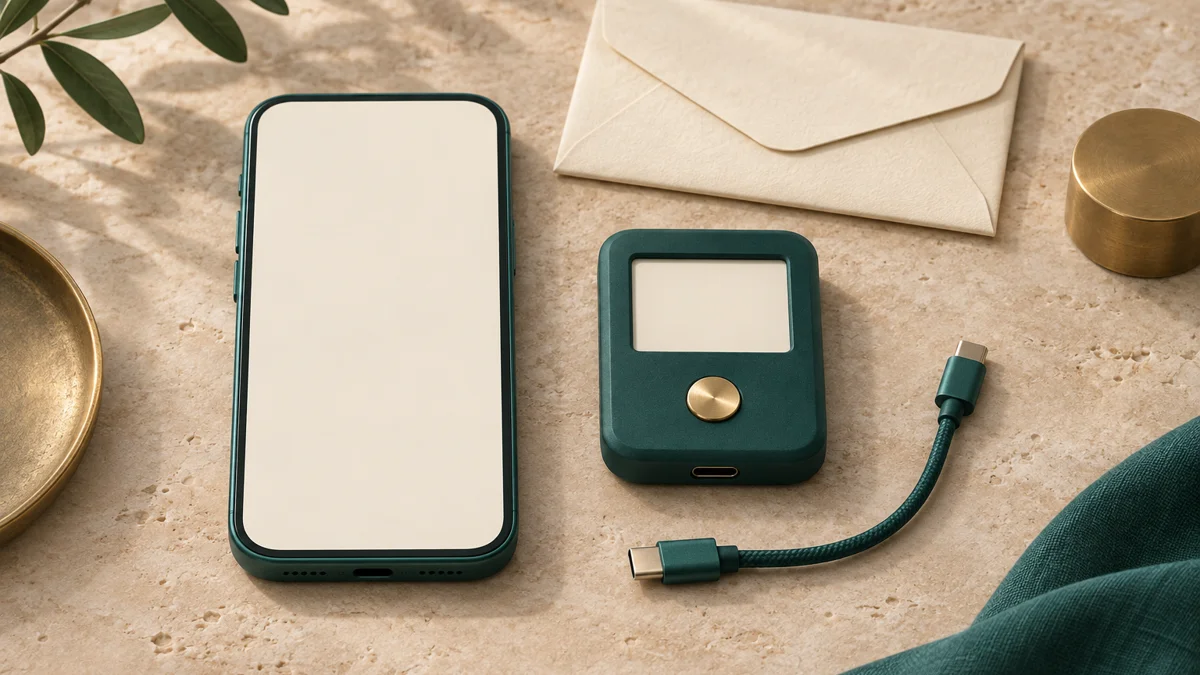
A phone wallet can make a payment in a few taps. A hardware wallet adds a separate device for approving transactions. The important difference is where the signing keys live and what you must protect while using them.
Hot and cold wallets side by side
Bitcoin stays recorded on the blockchain. The wallet manages the keys and information used to receive and spend it.
Scroll across the table to see all columns.
| Detail | Hot software wallet | Cold hardware-wallet setup |
|---|---|---|
| Key storage | Keys are held on a phone or computer that connects to the internet. | Keys are generated and kept inside an offline signing device. |
| Sending a payment | Review and approve through the app’s controls. | Use the companion app and verify transaction details on the signing device. |
| Access and cost | Often convenient for frequent use; check the app’s charges. | Requires compatible hardware, its purchase cost and access to the signing setup. |
| Main security work | Protect the device, software, credentials and backup. | Protect the signing device and backup, and carefully review what you approve. |
A hardware device may connect to a computer or phone to communicate transaction information. Its design keeps the private keys inside the device during signing. Follow the maker’s instructions for its supported connection method.
Match the setup to how you’ll use Bitcoin
For frequent small payments, quick access may matter most. For funds you expect to leave untouched, a separate signing device may fit your routine better. Consider how often you will send, where the device will be kept and whether you can follow the recovery procedure.
Some people use a small everyday wallet and a separate wallet for longer-term holdings. Decide the amounts from your own needs and loss tolerance. Transfers between wallets add fees and another destination to verify; include those steps in your plan.
Cold storage still requires care with backups and approvals. Someone who obtains the necessary recovery information may gain access, and approving the wrong destination can send funds to the wrong person. The device screen and your backup procedure each have a job.
A setup checklist before the first deposit
Use the current instructions for your chosen wallet rather than a generic recovery form.
- Obtain the app or device through the maker’s verified channels and follow its authenticity and setup checks.
- Create the wallet through the official setup flow and complete its backup-verification step. Keep the recovery information private.
- If moving from a hot wallet to fresh cold storage, follow the manufacturer’s new-wallet migration process. Trezor recommends generating a new wallet on the device and transferring to it; previously copied recovery information may remain accessible wherever it was stored.
- Generate a Bitcoin receiving address and verify the full destination, including on the hardware screen where supported.
- Read the signing and recovery instructions before committing an amount you would struggle to replace. Plan how you would recover after device loss without exposing the backup.
Connect storage choices with the actual transfer
Check the sending service’s withdrawal rules and the BTC that will arrive after charges. A small test transaction can help you check delivery to a new setup, with another fee to budget for.
For who controls transfers and recovery, read custodial vs. non-custodial wallets. For purchase preparation, use the Buy Bitcoin guide and receiving-address checklist.
Sources & further reading
General payment information and purchase-specific details serve different purposes. Review the current offer and terms before proceeding.
- Trezor — Hardware wallets and offline key storage
- Exodus — Software and hardware wallet arrangements
- Trezor — Moving from an existing wallet
- Bitcoin.org — Wallet security and backups
Original Fiat2Bitcoin guide. Examples are illustrative; they are not live quotes or customer transactions. How we prepare our guides.