AVS stands for Address Verification Service. It can apply to online card payments, including some Bitcoin checkouts. For the wider purchase process, see the debit-card guide or credit-card guide. Fiat2Bitcoin is prelaunch; the selected provider will determine its own checks and supported cards.
What does an AVS mismatch mean?
An address check compares submitted billing information with the issuer's record. Stripe's card-verification documentation explains that a legitimate purchase can fail this check because details were entered incorrectly or the cardholder moved without updating the issuer. Support for particular address checks varies by country and issuer.
The relevant address is the billing information attached to that card, not the Bitcoin wallet address. Do not type a Bitcoin destination into a billing-address field. AVS also does not establish who controls the receiving wallet.
A checkout may display a short error rather than its full verification response. Ask the provider whether it received a mismatch, an unavailable result or another error. Those descriptions call for different next steps.
Scroll across the table to see all columns.
| Reported outcome | Meaning to clarify | What to do |
|---|---|---|
| Address or postal code does not match | Some submitted billing information differs from the issuer's record | Check the card's billing details with the issuer |
| Partial match | One checked part matches and another does not or was not verified | Ask which field or result needs attention |
| Unavailable or unsupported | The check could not provide a usable result | Ask the provider about supported checks; do not invent an address |
| AVS passed, purchase still declined | The address check was not the only decision | Ask about the actual decline and original order status |
Authorize.net's AVS reference shows why results can differ across card types and processors. A letter copied from an unrelated code chart is not enough to diagnose your checkout. These payment references do not establish which processor a future Fiat2Bitcoin offer will use.
How to check the billing address safely
Use the card issuer's known app, website or the number printed on your card. Confirm the record for the specific card used in the attempt. A saved browser address or an address on another account may be out of date.
- Save the exact error, time, amount and provider order reference.
- Check whether that order is still active and whether the bank shows a pending or posted payment.
- Confirm the street address and postal code the issuer holds for this card, especially after moving.
- Check the verified checkout for typing errors or old autofill details. Enter the actual requested billing information.
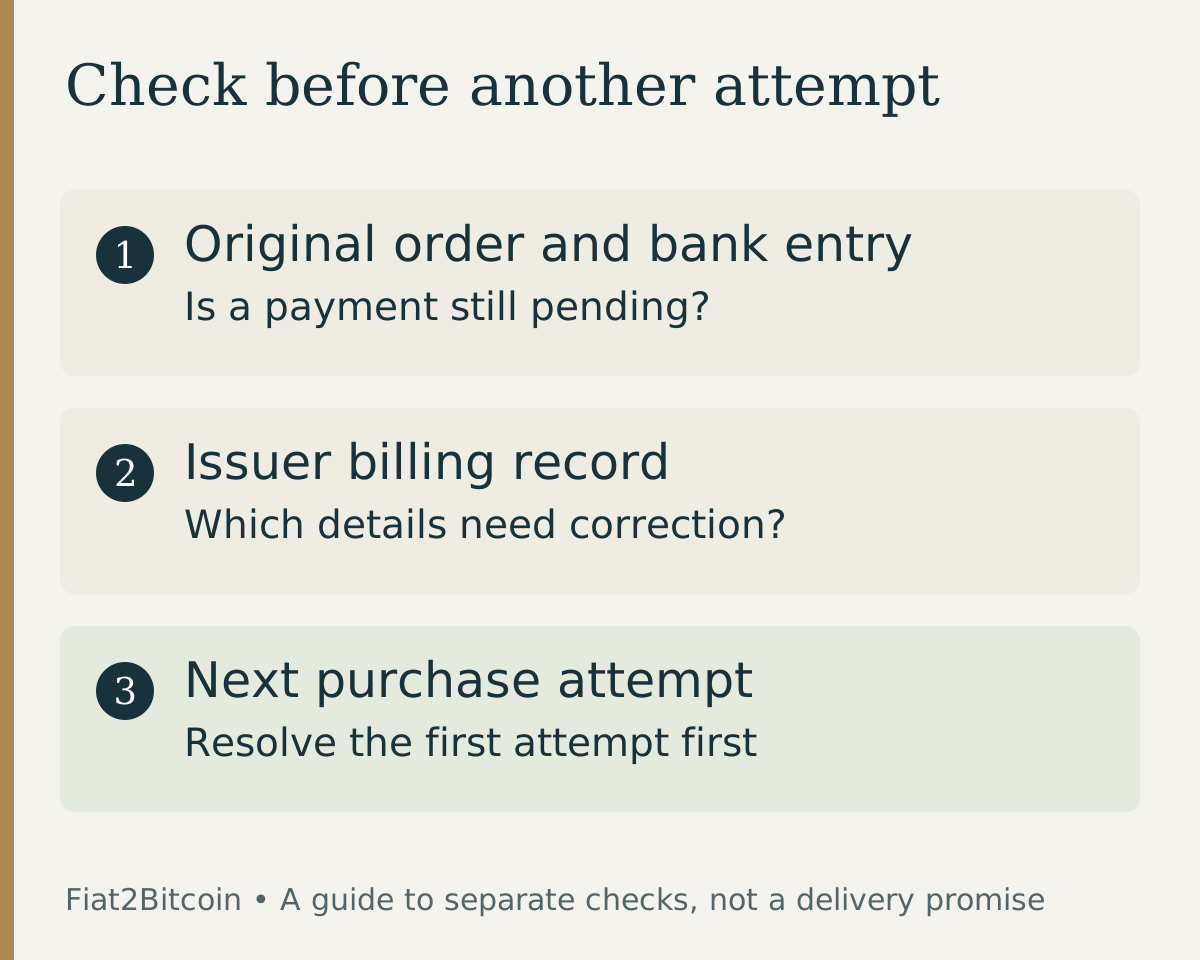
- If the record was recently corrected or still fails, ask the issuer and provider what needs to happen before another attempt.
If your statement uses a mailing address or PO box and you are unsure what the check expects, ask the issuer which billing details apply. Do not cycle through made-up addresses, change your country or use someone else's card to force an approval.
Correcting a billing address does not complete any separate identity-verification request. Submit identity documents only through the provider's established secure workflow, and send support only the information necessary to identify the order.
Why is there a pending charge after an AVS error?
The bank and the purchase provider can report different stages. Authorize.net describes how an authorization hold can remain after an AVS decline. A visible pending amount may therefore be an authorization rather than a completed purchase.
Ask the issuer whether the entry is pending or posted and what information it needs to investigate or release a hold. Ask the purchase provider whether the order can still complete, whether it was canceled, and whether any authorization reversal was sent. Do not promise yourself a release date based on another bank's example.
For a support message, use: 'My order [reference] at [time] for [amount] displayed an AVS error. The bank shows [pending or posted]. Is the order still active, and what needs to be resolved before another attempt?' Keep full card numbers, security codes, passwords and wallet recovery phrases out of ordinary messages.
If payment has posted but the provider reports a failed order, ask both parties to reconcile the records. Our pending-payment guide explains how to separate the bank entry, provider order and Bitcoin delivery.
Is AVS the same as CVV or 3D Secure?
No. The security-code check uses the card's CVV or CVC. AVS concerns billing-address information. A 3D Secure flow is a separate cardholder-authentication process; Visa describes how its authentication can occur during online shopping. Passing one check does not establish the outcome of the others.
If the error specifically names 3D Secure, use the 3D Secure troubleshooting guide. If it is a general decline without an address error, start with the debit-card decline checklist. Keep the error text intact rather than treating all declined attempts as an AVS problem.
Should you retry or use a bank transfer instead?
Retry only after the original outcome and any needed correction are understood. A fresh attempt can create a separate order and may require a new quote. An address correction cannot override issuer restrictions, provider eligibility rules or a missing identity check.
If a card is unsuitable and a bank-funded option is available, compare ACH with a debit card. Switching methods does not cancel the first attempt, and ACH has its own account checks and authorization. Resolve any existing charge or order before accepting the next purchase.
Sources & further reading
General payment information and purchase-specific details serve different purposes. Review the current offer and terms before proceeding.
- Stripe: Card verification and address checks
- Authorize.net: AVS result codes
- Authorize.net: Authorization holds after AVS declines
- Visa: Cardholder authentication with Visa Secure
Original Fiat2Bitcoin guide. Examples are illustrative; they are not live quotes or customer transactions. How we prepare our guides.