Some services offer micro-deposits when connecting a bank account. Others use different checks. For the planned purchase route and its separate payment steps, see our ACH Bitcoin buying guide. Fiat2Bitcoin remains prelaunch; no specific bank-linking vendor or micro-deposit option is promised for its future offers.
What are micro-deposits?
For ACH account validation, Nacha defines credit micro-entries as amounts below $1. An offsetting debit may accompany them. The verification process uses your response to confirm the requested transaction information; merely seeing an entry is not the same as completing validation.
The exact process varies. As a bank-specific example, U.S. Bank describes two small deposits for some external-account verifications. That is its own account-transfer process, not evidence that every Bitcoin provider uses two deposits or follows the same schedule.
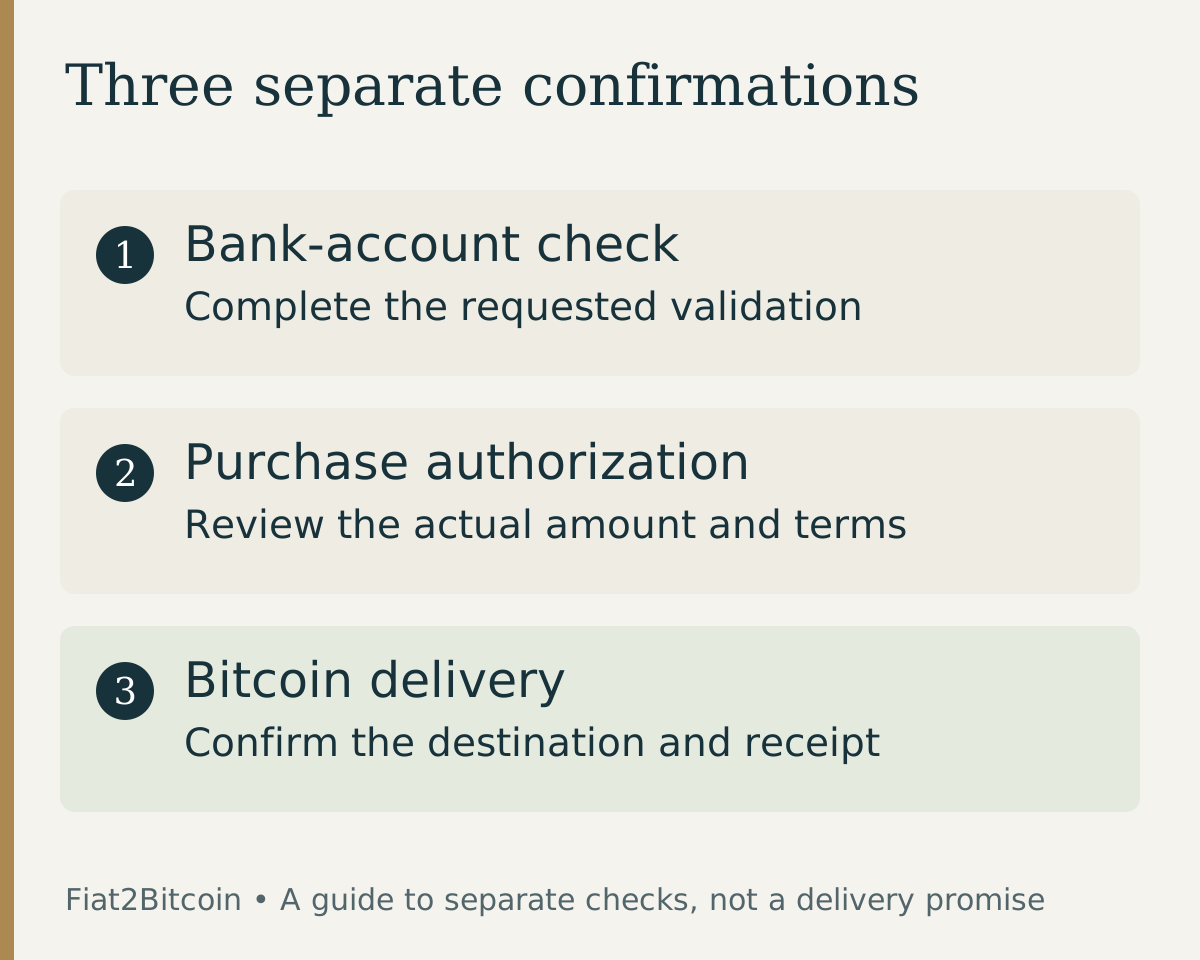
Think of this as an account-access check. A small test entry is not your Bitcoin purchase payment. Keep its description and purpose separate from any later debit for an order.
How to complete the requested verification
Begin only with a bank connection you intended to create. Read the service name and account details before proceeding. If the connection screen names another company that performs validation, check how that company relates to the service rather than assuming every unfamiliar name is legitimate.
- Record which service requested verification and which account you selected.
- Check the bank's transaction details after the service's stated processing window.
- Return directly to the known app or website where you began linking the account.
- Enter only the amounts or other confirmation details that this verification flow asks for, using the entries from that request.
- Read the confirmation and any remaining requirements before authorizing a purchase payment.
Follow the form's units and instructions. A field requesting each deposit separately is different from one requesting another verification value. Do not guess an amount, combine entries unless instructed, or reuse an old test deposit from an unrelated service.
Nacha's account-validation overview describes several possible methods, including micro-entries and validation services. A provider can use a different method, and a failed connection is not permission to bypass its required checks.
What if the deposits are missing or the amounts are rejected?
Start with the estimate and instructions attached to your own verification request. Check the selected account and request date. A bank's example timeframe is not a deadline for a different service, and waiting longer does not resolve incorrect account details.
Scroll across the table to see all columns.
| What you see | What to check | Next step |
|---|---|---|
| No entries after the stated window | Correct account and whether the request was actually submitted | Ask the service to confirm its status; check with the bank if needed |
| One entry when the form expects more | The transaction details and the instructions for this request | Ask support what is missing; do not invent another value |
| Amounts rejected | Units, exact values and whether they belong to the latest request | Stop guessing and use the service's recovery process |
| Request expired or attempts exhausted | The message and any deadline provided | Ask whether a new verification is required before restarting |
| An ACH return code | Which test entry was returned and the exact code | Resolve the bank or account issue before another attempt |
The ACH return-code guide explains common account and authorization errors. Repeatedly deleting and reconnecting an account can leave you with several verification requests and unclear records. Keep the existing request identifiable while support investigates.
What if you did not request the micro-deposits?
Do not confirm unexpected entries for a stranger or read the amounts to someone who contacts you out of the blue. Check whether you or another authorized account user recently linked a service. If the source is still unexplained, contact your bank through its known app, website or telephone number and ask it to investigate.
The CFPB warns about messages asking you to verify bank information. Open the institution's website directly instead of using an unexpected message's link. Keep passwords, one-time login codes and wallet recovery phrases out of email or chat replies.
Nacha's standard description for ACH micro-entries is ACCTVERIFY. Seeing that text can help identify an entry's purpose, but it does not prove that you requested it or that the sender is trustworthy. Treat an unexplained transaction as something to verify with the bank, even when the amount is small.
Does a verified bank account mean you can buy Bitcoin?
It answers only part of that question. The purchase provider still determines account support, location and amount eligibility, identity checks, payment authorization and the offer's conditions. A verification confirmation is not a quote, a completed debit or proof of Bitcoin delivery.
Before accepting a purchase, check the total dollars charged, expected Bitcoin amount, destination, quote expiry and release conditions. Make sure the selected account is the account you intended to use. Do not infer a recurring authorization from a one-time purchase, or assume a bank connection tells you the payment frequency.
Use the ACH settlement and delivery guide to understand the remaining stages. If a later purchase payment cannot be located, request the reference for that payment using the ACH trace-number checklist; the earlier verification entry is a different record.
Sources & further reading
General payment information and purchase-specific details serve different purposes. Review the current offer and terms before proceeding.
- Nacha: Micro-entry definition and verification practices
- Nacha: Account Validation Resource Center
- U.S. Bank: Completing microdeposit verification
- CFPB: Messages asking you to verify bank information
Original Fiat2Bitcoin guide. Examples are illustrative; they are not live quotes or customer transactions. How we prepare our guides.