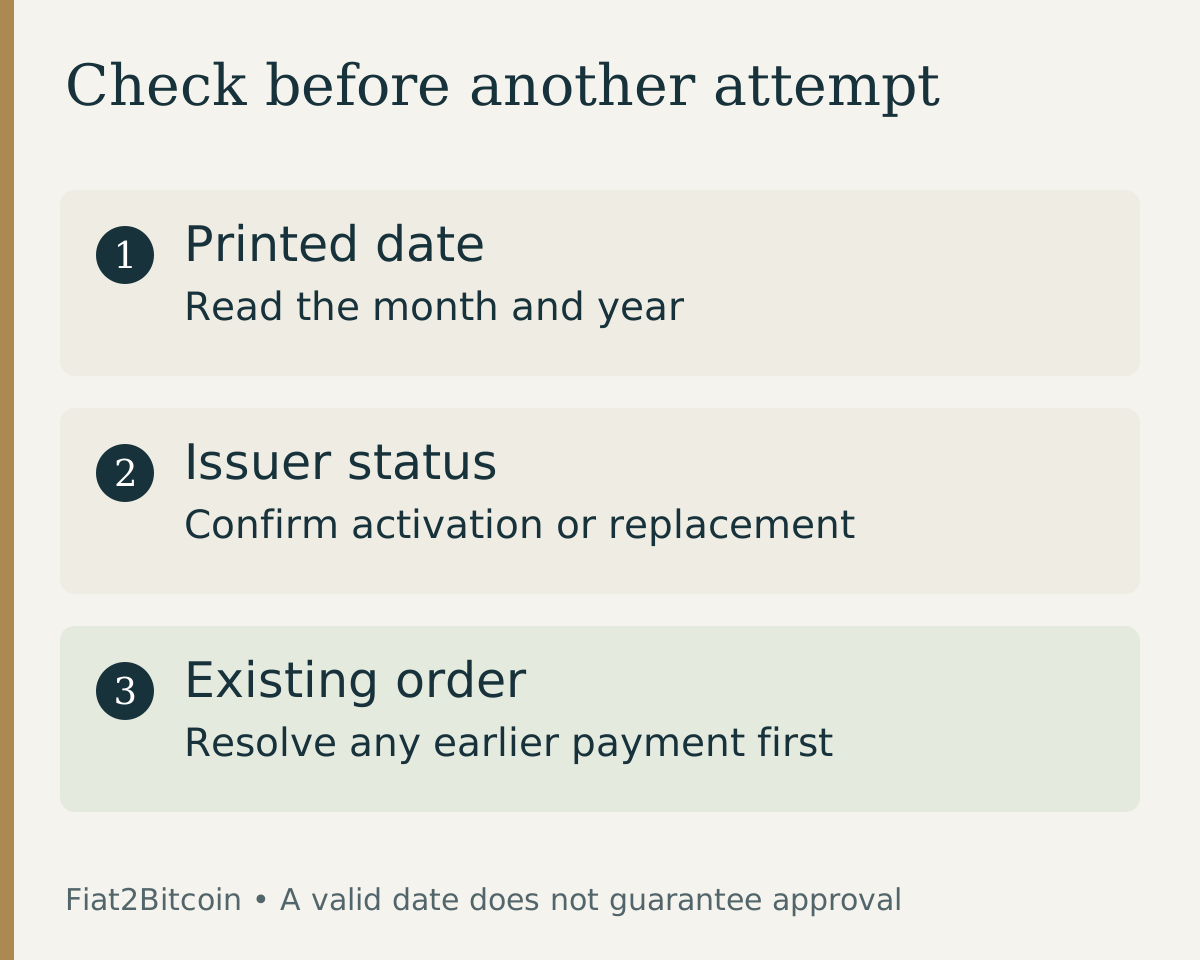
Before an eligible debit-card Bitcoin purchase, check the card’s current status as well as its printed date. This guide addresses expiration and replacement; the debit-card decline guide covers other reasons a payment may fail.
How do you read a debit card expiration date?
The date is commonly presented as MM/YY: a two-digit month followed by a two-digit year. It may appear on the front or back, depending on the card design. If the issuer provides a digital card, use the date belonging to that specific card.
U.S. Bank states that its credit and debit cards remain valid through the last day of the displayed month. As a hypothetical reading example, 11/28 points to November 2028; under a month-end rule, the expiration boundary is after November 30, 2028.
That date describes expiration, not a guarantee that every attempted payment will work until then. A card may already be locked, replaced or cancelled. Check the issuer’s actual status if the printed date and an error message appear inconsistent.
Do not confuse the date with the CVV security code, a purchase quote deadline or a bank statement date. Each field or deadline refers to a different part of the transaction.
What should you do in each situation?
Scroll across the table to see all columns.
| Situation | Useful next step | What it does not establish |
|---|---|---|
| Card expires later this month | Check the issuer’s rule and the current card status | Guaranteed acceptance for a Bitcoin purchase |
| Printed month has passed | Obtain and activate the replacement through the issuer | Permission to invent a later expiration date |
| New card has arrived | Follow its activation instructions and review all new details | That saved checkout details already updated |
| Checkout says expired, but the card is current | Check which saved card was selected; ask about an unresolved error | That another payment attempt is safe |
| Bank shows a pending earlier charge | Review the original order with the provider | That a replacement card cancelled the earlier order |
How should you prepare a replacement debit card?
Replacement schedules vary. Old National’s debit-card guidance describes its own renewal timing and notes that an outdated address or an unused card can affect automatic replacement. Ask your issuer when to expect your card instead of assuming every bank follows the same schedule.
Capital One’s replacement guide describes activation through the issuer’s supported channels and reviewing stored payment details. Follow the instructions for your actual card. Do not enter activation credentials into an unexpected text-message link.
Compare the number, expiry and security code on the replacement with the details in the legitimate checkout. A saved card may still refer to the old card. Never combine the old card number with the new card’s expiry or code.
Keep the mailing address on your bank record current through its official process. If the replacement is missing, ask the issuer for help. Do not change a Bitcoin purchase identity or use someone else’s card to work around the delay.
What if Bitcoin checkout reports an expired card?
- Keep the original order reference and exact error wording.
- Check the provider’s order record and your bank’s pending or posted activity before retrying.
- Confirm which card was actually selected, including any saved or digital card.
- Compare the month and year with the issuer’s current details, and check activation or replacement status.
- Correct a clear entry error only in the verified checkout; ask the issuer or provider if the details are correct but the error persists.
- If the first order is resolved and a new attempt is appropriate, review the new quote and destination before confirming.
Stripe’s decline-code reference distinguishes an expired card from an invalid expiry entry, incorrect security code, duplicate transaction and general issuer decline. That illustrates why the exact message matters; it does not identify Stripe as Fiat2Bitcoin’s processor.
Changing the month or year to make the form accept it does not renew the card. Use the issuer’s correct details. For a broader unexplained decline, follow the provider’s instructions rather than cycling through cards or repeatedly resubmitting the same payment.
Does replacing the card cancel a pending Bitcoin order?
Do not assume so. Card status and the purchase order are different records. Ask the provider whether the original order is authorized, captured, cancelled, refunded or still awaiting another step. The card-authorization guide explains those payment stages.
For example, you might replace a card after an attempted purchase and then see a pending entry from the earlier attempt. The new card’s arrival does not establish whether that entry will post or be released. Check the order reference before making another purchase.
If money is due back to an expired or replaced card, ask the merchant and issuer how that particular refund will be handled. Do not provide an unrelated wallet address or pay a new “unlock” charge in response to an unsolicited refund message.
Use the pending-payment checklist to track the bank payment, provider order and wallet delivery separately.
What should you confirm before using the current card?
Confirm the cardholder details, billing address, issuer permission, provider eligibility and complete cost. A valid expiration date answers only one part of checkout. Your debit-card spending limit can also differ from the amount of money visible in your account.
If the card has a shortened or changed name, the cardholder-name guide explains which record to review. Keep the payment details and your verified identity accurate.
Finally, confirm the BTC asset, network and full receiving address in the actual order. Keep the receipt and delivery record. Card activation, payment approval and Bitcoin arriving at the intended destination remain separate milestones.
Sources & further reading
General payment information and purchase-specific details serve different purposes. Review the current offer and terms before proceeding.
- U.S. Bank: The last day a card is valid
- Old National: Debit-card renewal and replacement
- Capital One: Card expiration and replacement checks
- Stripe: Expired-card and other decline codes
Original Fiat2Bitcoin guide. Examples are illustrative; they are not live quotes or customer transactions. How we prepare our guides.