This guide applies to card-entry checks for an eligible debit-card Bitcoin purchase or credit-card Bitcoin purchase. The issuer and purchase provider still apply their own rules. Recognizing the code is one step in reviewing the order.
What does card verification value mean?
CVV stands for card verification value. You may also see labels such as CVC, CVV2, CVC2, CID or security code. The PCI Security Standards Council identifies these card verification codes as sensitive authentication data used in card-not-present transactions.
An online purchase can ask for this code alongside the card number and expiry date. It supplies an additional check; it does not prove that every other requirement has been satisfied. Do not interpret a successful code entry as a final purchase confirmation.
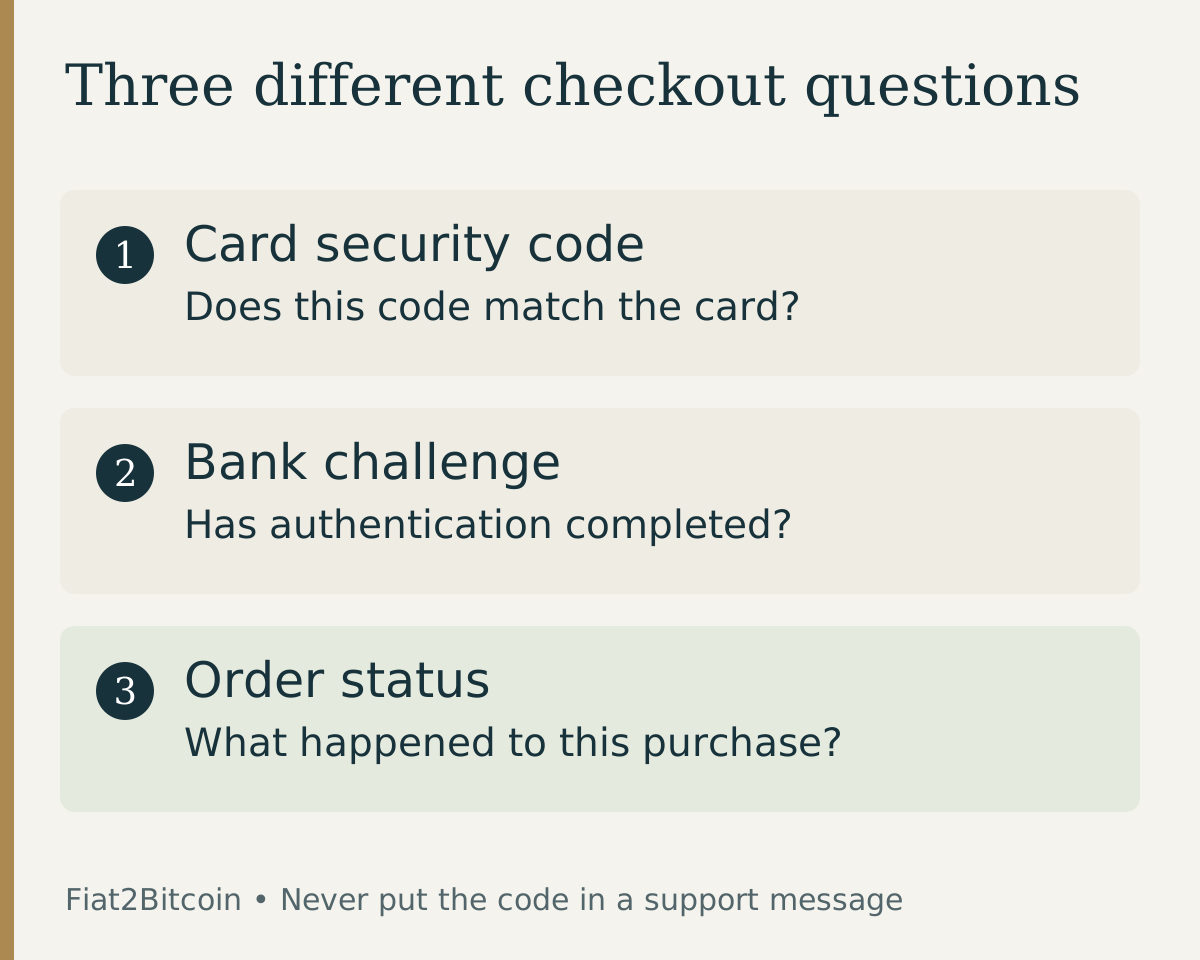
The cardholder-name guide explains the separate name-on-card field. Keep the checkout's actual label in mind. A field asking for the card's security code is different from a separate bank-app challenge that appears later. Entering a different kind of secret is not a way to repair the first check.
Where do you find the CVV?
Stripe's CVV explanation describes the common layouts: Visa, Mastercard and Discover cards generally show three digits on the back; American Express uses four on the front. These examples explain code location, not which card brands a Bitcoin provider accepts.
If you use an issuer-provided virtual card, open the issuer's official app or site and use the details belonging to that virtual card. Do not mix a virtual card number with the printed code from a different card. Capital One's guide explains that virtual cards can have their own number and CVV.
If the printed code is unreadable or the issuer's display is unclear, ask the issuer through its verified channel. Avoid guessing multiple combinations or submitting a photograph of the whole card to someone offering to identify the code.
CVV, PIN, billing address and 3D Secure are different checks
Capital One distinguishes a CVV used in online or telephone purchases from a PIN used for functions such as ATM access. The comparison below helps you identify the question being asked without sharing the answer with support.
Scroll across the table to see all columns.
| Check | What to review | Keep separate |
|---|---|---|
| CVV / CVC / security code | The code for the exact card being entered | Your PIN, password and recovery phrase |
| Billing address / ZIP | The issuer's billing records | The CVV field |
| 3D Secure challenge | The bank's legitimate authentication prompt | A request from an unverified caller or message |
| Issuer authorization | Whether the issuer approved the proposed payment | Bitcoin delivery status |
Use the AVS mismatch guide for billing-address errors and the 3D Secure guide for a failed bank challenge. Those issues need their own checks; changing the CVV does not correct an address record.
What should you do about a CVV2 mismatch?
A CVV2 mismatch usually indicates that the submitted security code did not match the issuer's record. Providers use different labels; Stripe's decline documentation distinguishes incorrect security codes from address and issuer-decline errors. The wording alone does not explain whether the whole order failed, whether another check also failed or whether a pending authorization remains. Start by checking the original order.
- Save the error wording and order reference, without copying the security code into the record.
- Check the provider's order status and your bank's pending or posted activity before another attempt.
- Confirm you selected the intended current card and its matching number, expiry and security code.
- Correct a clear typing error only in the verified checkout, after establishing whether a retry is appropriate.
- If the code is correct but the error persists, ask the issuer or provider about the failed check through its official support route.
For example, an old saved card and its replacement are different sets of payment details. Review the selected card instead of cycling through codes. A service may also reject cryptocurrency purchases for reasons unrelated to CVV; the debit-card decline guide covers the wider decision.
What happens after the code is accepted?
The provider may still need issuer authorization, identity checks, quote acceptance or other processing before fulfillment. The card-authorization guide explains why approval, capture and settlement are separate stages.
Keep the completed purchase record and verify the asset, network and destination for delivery. If the order is unresolved, follow the pending-payment checklist instead of paying again to test whether the problem has disappeared.
A card security code is also unrelated to a crypto seed phrase. The payment checkout has no need for the wallet backup that controls your receiving wallet.
Sources & further reading
General payment information and purchase-specific details serve different purposes. Review the current offer and terms before proceeding.
- PCI SSC: Card verification codes and storage
- Stripe: Security-code and other decline messages
- Stripe: CVV meaning and location
- Capital One: CVV, PIN and virtual-card distinctions
Original Fiat2Bitcoin guide. Examples are illustrative; they are not live quotes or customer transactions. How we prepare our guides.