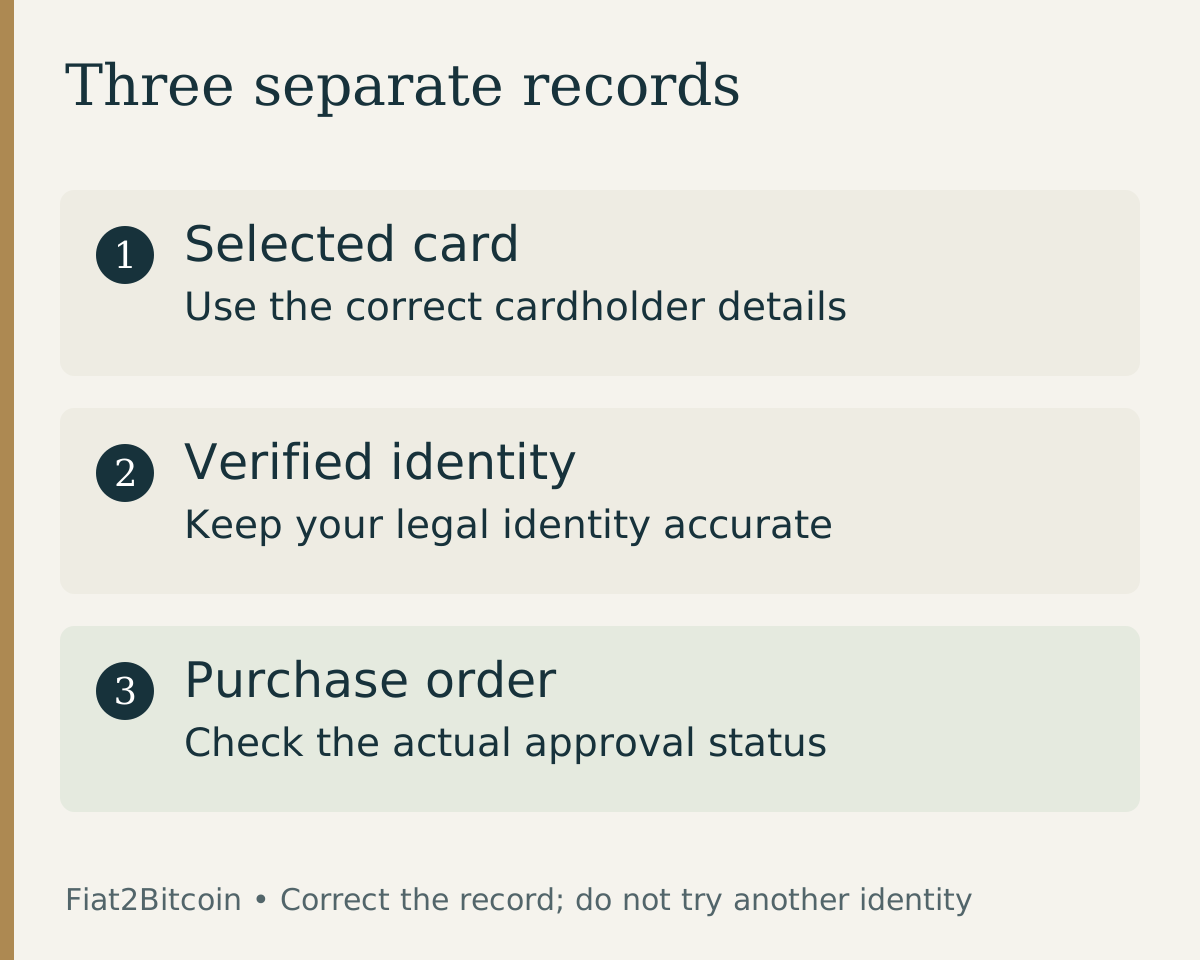
These checks apply when reviewing an eligible debit-card Bitcoin purchase or credit-card Bitcoin purchase. The name field is one part of checkout; it does not establish card acceptance or purchase approval.
What does cardholder name mean?
Discover explains that a cardholder name identifies the owner or authorized user of a debit or credit card. It is different from the card number, security code and expiration date. Look at the specific card you intend to use, not another card saved in the same account.
A cardholder and the owner of the underlying account are not always the same person. For example, an additional card may be issued to an authorized user. That banking arrangement does not automatically establish that a cryptocurrency purchase provider accepts the card for that user.
A business name, wallet label or Bitcoin address is not a substitute for a requested personal name. Read the field label before entering anything, especially when the checkout also asks for an account profile or identity document.
Which name belongs in each field?
Scroll across the table to see all columns.
| Field | What it identifies | What to check |
|---|---|---|
| Name on card | The holder of the selected payment card | The card or issuer record and the field instructions |
| Verified legal name | The person completing identity verification | Your actual identity documents and provider requirements |
| Billing name or account name | The billing record or account being referenced | Which record the form specifically means |
| Wallet label | A name you gave a destination in an app | The actual BTC address and network separately |
For a simple fictional example, a card might display Alex J Morgan while a profile shows Alexandra Jane Morgan. Do not assume the difference is accepted or that it must fail. Keep identity information truthful and ask the provider how it handles the issuer’s shortened display.
If the form says “name on card,” start with the issuer’s cardholder representation. If it says “legal name,” follow the identity instructions. Do not copy a shortened card display into every field automatically.
What about initials, long names or a recent name change?
Chase’s cardholder-name guide notes that character limits can lead to abbreviations, and that issuers may handle titles, suffixes and international name formats differently. If the card has a misspelling or no longer reflects your name, contact the issuer about its correction process.
For a changed legal name, ask separately what your issuer needs to update its record and what the purchase provider needs to update your verified profile. A new spelling entered at checkout does not update either organization’s records.
Do not invent a surname, replace an unfamiliar character at random, or assume every form accepts the same abbreviation. If the form cannot represent your name, ask for its supported process before submitting another payment.
Keep the scope of the problem clear: a display abbreviation, an incorrect bank record and an outdated identity profile are different issues. Explain which one applies without changing information to make a restricted purchase appear eligible.
Does a matching name guarantee payment approval?
No. Stripe describes cardholder names as identifiers used alongside other payment information. The name is not always checked in the same way, and a successful payment does not prove that every identity or ownership requirement has been met. Optional name-checking services and provider review rules can differ.
The CVV guide, billing ZIP guide and 3D Secure guide cover separate fields and checks. A correct name does not fix an incorrect security code or complete a bank challenge.
Likewise, issuer approval is distinct from the purchase provider accepting the order and delivering BTC. Read the card-authorization guide if the bank shows a pending charge while the purchase is unresolved.
What should you do if a name mismatch appears?
- Record the exact error and original order reference without copying the full card details into a support message.
- Check the original order and bank activity before making another payment attempt.
- Confirm that the selected card is yours to use and that you entered its own cardholder details.
- Identify whether the issue is the card name, billing record or verified identity profile.
- Correct an obvious typing error only in the legitimate checkout, or ask the issuer/provider how to correct the underlying record.
- Retry only after you understand the first order’s status and the provider’s next step.
If you are an authorized user, have a joint account or use a business card, ask about eligibility before funding. Permission from an account owner is not a promise of acceptance by a Bitcoin provider. Do not replace your verified identity with someone else’s name.
What information helps support resolve the issue?
A concise message can state the field label, exact error, order reference and whether the issuer uses an abbreviation or an older name. Ask which record must be corrected and where the legitimate update process takes place.
Keep full card numbers, CVV codes, PINs and account passwords out of ordinary email or chat. If a provider requests identity documents, verify the recipient and use its designated secure process; the name field alone is not a reason to send a photograph of both sides of your card.
Once the details are resolved, review the current quote and destination again. A previous quote may no longer apply, and fixing a cardholder-name issue does not confirm a completed Bitcoin purchase.
Sources & further reading
General payment information and purchase-specific details serve different purposes. Review the current offer and terms before proceeding.
- Discover: Meaning of cardholder name
- Chase: Name variations and corrections
- Stripe: Cardholder names and payment verification
Original Fiat2Bitcoin guide. Examples are illustrative; they are not live quotes or customer transactions. How we prepare our guides.