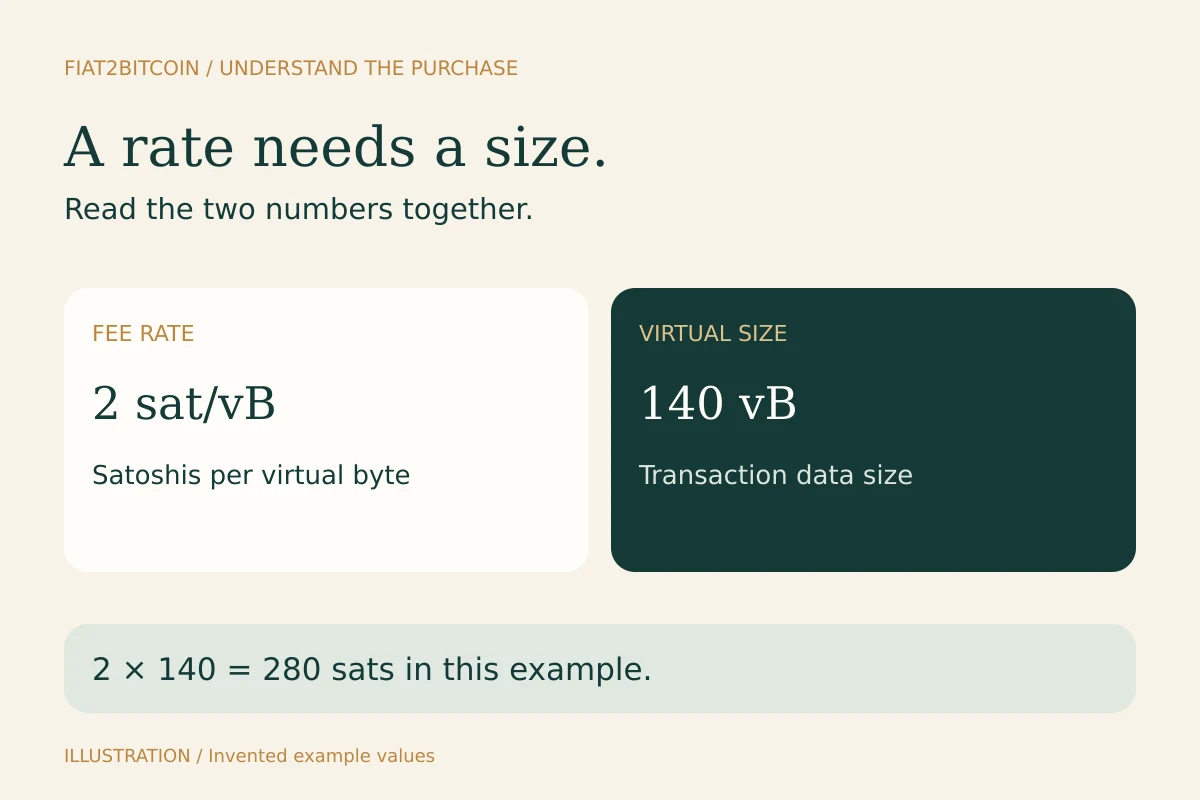
Your wallet offers a fee rate, but you want to know what it means for your actual payment. Start with the virtual size of that transaction. The calculator below shows the arithmetic directly, without connecting a wallet, looking up a transaction or requesting a live price.
Calculate the fee from your wallet’s figures
Turn a fee rate into a total.
Use the fee rate and virtual size from your wallet’s preview. A Bitcoin price is optional and is used only for the dollar conversion.
This calculates size × rate, rounding any fractional total up to a whole sat. It uses no live fee feed, predicts no confirmation time and adds no purchase or provider withdrawal fees. Use the final total in your wallet before signing.
Calculations stay in this page’s memory. There is no wallet connection, transaction lookup, storage or purchase action.
The starting example uses an invented 2 sat/vB rate, a 140-vB size and a $100,000 Bitcoin price. Change the rate and size to those in your wallet’s preview. Clear the optional price if you only want the BTC and satoshi amounts.
This tool multiplies the entered rate by size and rounds any fractional total up to a whole sat. It accepts up to three decimal places for the rate. Its result explains those inputs; your wallet determines the transaction it actually builds and the fee you approve.
What does sat/vB mean?
A satoshi, abbreviated sat, is one hundred-millionth of a Bitcoin. A virtual byte, abbreviated vB, measures transaction size using Bitcoin’s transaction-weight rules. The rate combines the two units: satoshis paid for each virtual byte.
Bitcoin.org’s fee explanation describes fees as a price for transaction space rather than a percentage of the Bitcoin being sent. Moving a larger BTC amount does not automatically make the transaction’s data larger. The inputs, outputs and signing structure determine its size.
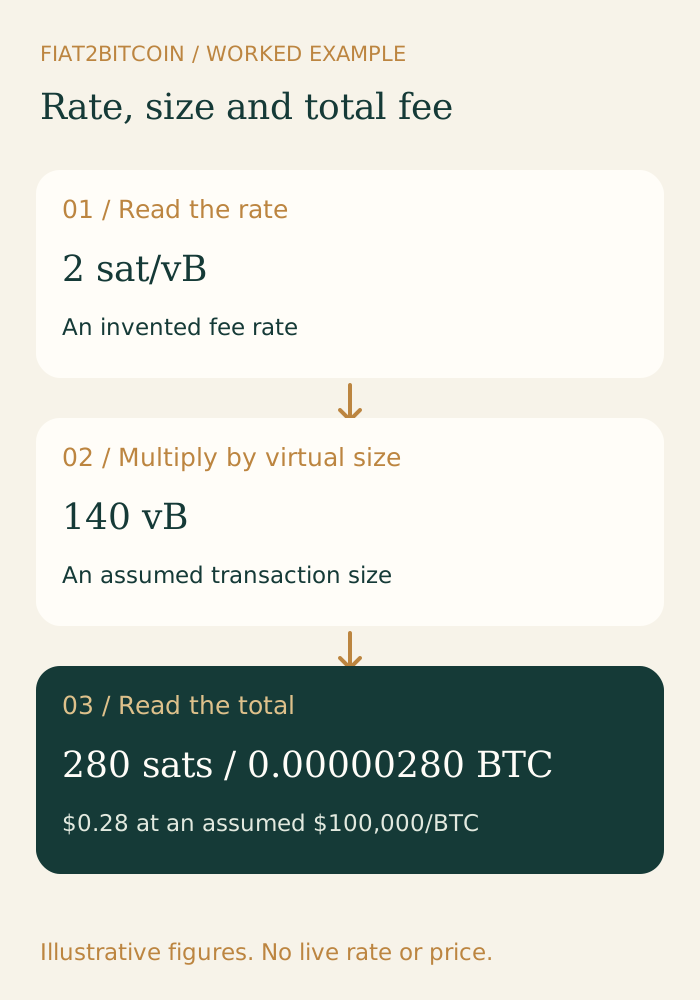
For this guide’s simple example, 2 × 140 = 280 sats. Divide 280 by 100,000,000 to express that same fee as 0.00000280 BTC. At an assumed $100,000 per BTC, that would be $0.28. All three describe the same fee in different units.
The size can change the answer as much as the rate
These are invented combinations, not current network estimates. Read across a row to see how the chosen rate and virtual size produce the total.
Scroll across the table to see all columns.
| Rate | Virtual size | Calculated fee |
|---|---|---|
| 2 sat/vB | 140 vB | 280 sats |
| 2 sat/vB | 700 vB | 1,400 sats |
| 12 sat/vB | 140 vB | 1,680 sats |
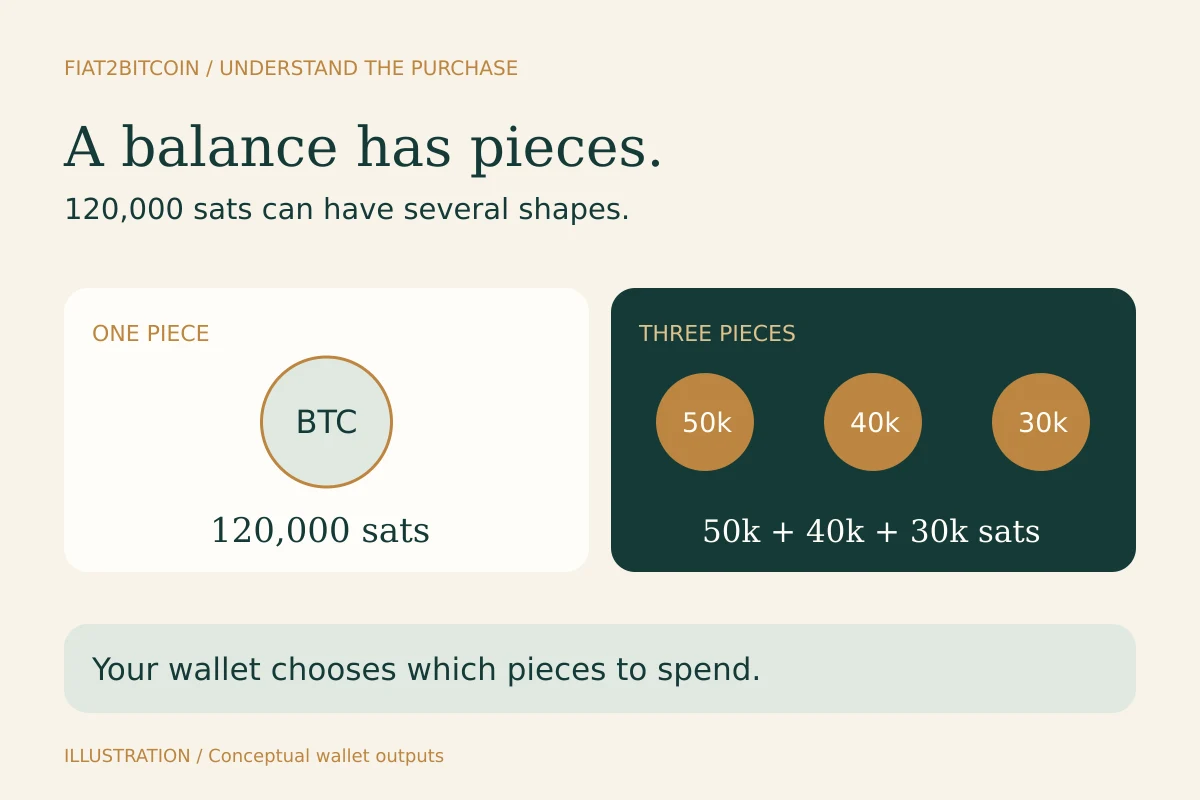
The first two rows have the same rate but different sizes. The last row keeps the first row’s size and changes the rate. A fee comparison needs both numbers. Your wallet may choose several unspent pieces to fund a payment; the UTXO guide shows what those pieces are and why they can affect size.
Where to find the virtual size
Look in your wallet’s transaction preview or advanced fee details for virtual size, vsize or vbytes. Some wallets show only a total fee; their help documentation can explain whether they expose an estimated size before signing. For an already broadcast transaction, a Bitcoin block explorer may show its virtual size beside other transaction details.
Use the figure labelled virtual size rather than assuming a displayed byte count is the same. Bitcoin Core’s mempool documentation distinguishes virtual transaction size and transaction weight. BIP 141 defines the weight-based calculation.
A pre-signing size can be an estimate because the final transaction still needs its complete signing data. If the wallet updates the total, read that updated preview. You can learn the calculation without pasting an address, transaction file or recovery information into this page.
Check the unit before entering a number
This calculator expects sat/vB. A figure in BTC per kilovirtual byte, sometimes written BTC/kvB, needs conversion first. Multiply BTC/kvB by 100,000 to obtain sat/vB: for example, 0.00001000 BTC/kvB corresponds to 1 sat/vB. Do not paste the same numeric value under a different unit.
The virtual size field takes a whole number of vB. Keep the optional Bitcoin price in USD per BTC. A dollar amount per mBTC or the total price paid for your purchase describes a different quantity; the Bitcoin unit converter can help you read a small-unit balance.
With a fractional rate, an indivisible satoshi creates a rounding step. At 0.5 sat/vB and 141 vB, the multiplication gives 70.5 sats. This calculator rounds the estimated total up to 71 sats; it does not round the rate to 1 sat/vB before multiplying.
A fee total does not tell you an exact arrival time
A wallet’s fee estimate reflects an expected confirmation target under changing network conditions. Bitcoin Optech describes this as estimating a rate with a high probability of confirmation within a number of blocks. Actual blocks, competing transactions and transaction dependencies can change the outcome.
Use a current wallet estimate for the time you are preparing a transfer. This page’s entered values and static examples do not select a live rate for you. A higher fee can improve competitiveness, but it cannot promise a particular clock time or satisfy a provider’s separate confirmation policy.
If a transfer is already waiting, first identify its existing transaction and status. The unconfirmed-transaction guide explains the records and wallet controls to check before trying another send.
Keep network fees separate from purchase charges
A provider may charge for buying Bitcoin, funding the purchase or withdrawing it. Those charges can differ from the miner fee for a particular on-chain transaction. A withdrawal charge may use the provider’s pricing or an estimate rather than your transaction’s eventual miner fee.
Use network fees vs. withdrawal fees to read those labels. For a purchase comparison, include the costs needed to reach the same destination and use the complete quote worksheet. The network calculator here covers only the multiplication shown above.
When asking wallet support about an unexpected fee, keep the entered rate, virtual size and total together. Share a transaction reference through the service’s verified support route if necessary; recovery words and signing keys stay private.
Sources & further reading
These sources explain the payment systems and rules discussed in this guide. For your purchase, check the provider’s current offer and terms.
- Bitcoin.org — Network fees and sat/vB
- Bitcoin Core — Virtual size and transaction weight fields
- BIP 141 — Transaction weight and virtual size
- Bitcoin Optech — Fee estimation and confirmation targets
Published by Fiat2Bitcoin. Worked examples use fictional figures and records; they are not current prices or customer transactions. How we prepare our guides.