A hardware wallet protects signing material; Bitcoin remains recorded on the network. Losing the device need not mean losing access if the backup works. Losing or exposing the necessary recovery material can be much more serious than breaking the hardware.
This comparison uses disclosed criteria rather than stars or a paid “best overall” badge. No device was purchased, opened, funded or tested for this guide, and no manufacturer’s security claim is treated as independent proof.
Watch the short explanation
A 75-second educational walkthrough. Compare workflows, not invented scores. Read current security advisories. Plan for a broken or missing device. Narration is synthetic.
Read the video transcript
What makes a wallet fit
There is no universal best Bitcoin hardware wallet. Compare the exact device, supported host, firmware, receiving address verification and recovery method. This article compares manufacturer documentation, not hands on security tests or a price ranking.
Three different approaches
Trezor Safe seven documents firmware choices. COLDCARD Q documents QR and microSD workflows. BitBox distinguishes hardware models and factory firmware editions. Check the exact product and your real phone or computer rather than assuming the family name is enough.
Read the current advisory
COLDCARD’s current advisory distinguishes fixed firmware from migration of seeds created on affected versions during its July twenty twenty six incident. Updating alone does not repair an affected existing seed. This review has not audited the remediation or assessed your wallet.
Hardware and backup differ
A device protects signing material; Bitcoin remains recorded on the network. Recovery depends on the correct supported backup, and any necessary passphrase or account details. Do not enter recovery words into a balance checking website or chat.
Write a decision card
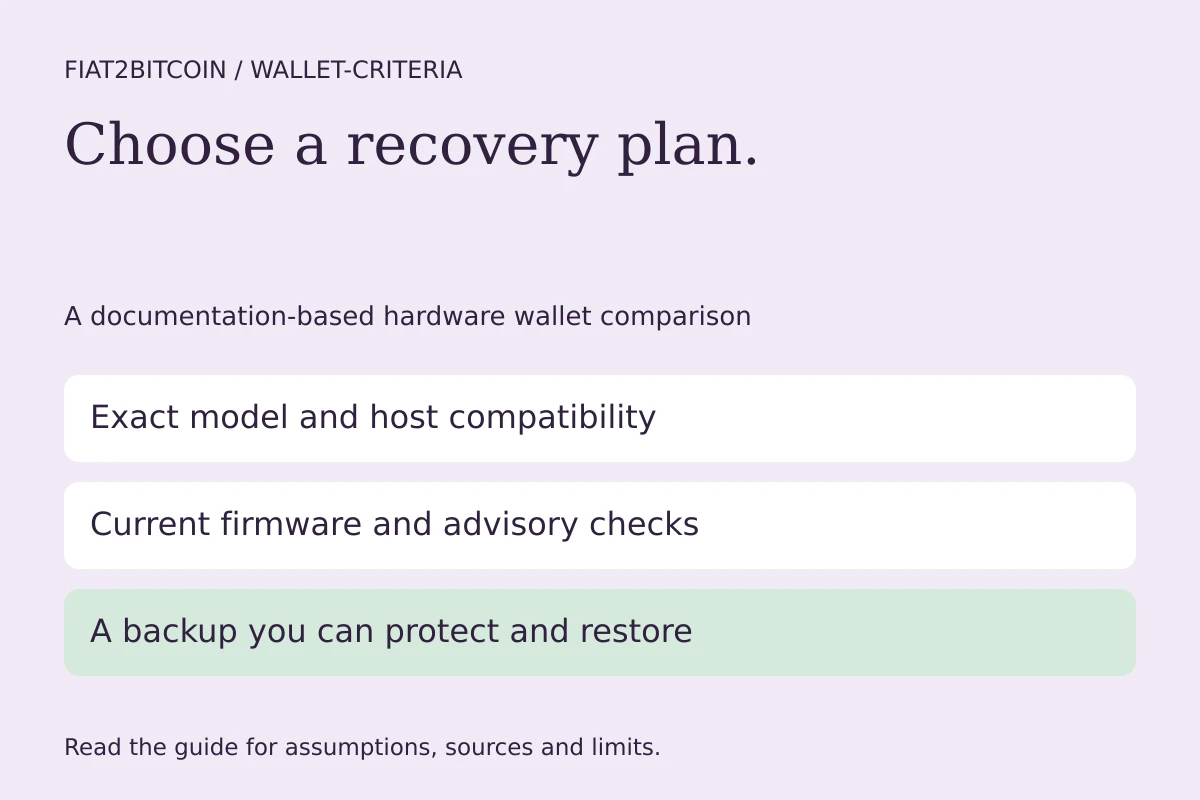
Record the exact model, edition, host compatibility and trusted purchase source. Understand the manufacturer’s supported backup checks and recovery process before funding. No feature list, star rating or this guide certifies that a device is risk free.
Start with the recovery and device workflow you need

Write down which phone or computer you intend to use and whether you want a connected signing workflow or a separately managed QR/microSD process. Confirm compatibility on the manufacturer’s current pages before buying.
Choose a backup method you can protect and restore. Word count alone does not establish backup compatibility: formats, passphrases, account types and derivation details can matter. Read the exact device’s recovery instructions instead of importing words into an arbitrary website.
A comparison of three documented approaches
The table identifies features to investigate, not three equally tested recommendations. Prices, stock and delivery were not collected. Model and firmware edition are separate decisions.
Scroll across the table to see all columns.
| Model / source | Published workflow feature | Question to resolve |
|---|---|---|
| Trezor Safe 7 | Official setup offers Standard or Bitcoin-only firmware; device/security checks | Does the exact backup and host workflow fit your recovery plan? |
| COLDCARD Q | QR scanner and microSD transaction workflow; current security advisory | Is the firmware current, and was any existing seed generated on affected firmware? |
| BitBox Nova | Model and permanent Bitcoin-only/Multi edition choices | Does the exact model support your phone/computer and intended assets? |
Read current advisories before calling a wallet safe
COLDCARD’s current status page reports fixed firmware and distinguishes it from migration of seeds created on affected firmware during its July 2026 incident. It lists Q standard 1.5.3Q as a current recommended release when checked November 24. Updating alone does not repair an existing affected seed; follow the manufacturer’s exact migration guidance.
That is a material part of evaluating the product, not a reason to infer that another product is risk-free. This guide has not audited the remediation, tested entropy or determined whether any reader’s seed is affected. Recheck the living advisory and the exact device before acting.
Firmware edition and backup are not cosmetic choices
Trezor’s Safe 7 setup documentation distinguishes firmware choices. BitBox’s edition guide says the factory-set Multi versus Bitcoin-only edition cannot be converted later, and distinguishes model compatibility from edition features. Do not generalize one manufacturer’s rule to another device.
A passphrase, where used, can create access to a different wallet and must be preserved exactly. A recovery phrase plus a missing necessary passphrase may not restore the intended funds. Follow the manufacturer’s supported on-device backup checks; do not wipe a funded wallet to imitate a blog walkthrough.
Write a purchase and recovery decision card
Use this checklist privately. Do not include recovery words, private keys, a passphrase or an extended public key in a comparison document, chat or AI tool.
- Record the exact model, edition and official documentation date.
- Check your real phone/computer, ports and operating-system support.
- Identify how you verify a receiving address on the trusted device.
- Understand backup format, optional passphrase and supported recovery path.
- Read current advisories, authentic-source purchase guidance and firmware verification.
- Decide who could recover access if the device or your usual computer failed.
Hardware wallet questions
Which one is safest?
This documentation comparison cannot establish a universal safest device. Security depends on exact hardware/firmware, setup, backup, threat model and ongoing advisories.
Is Bitcoin stored inside the device?
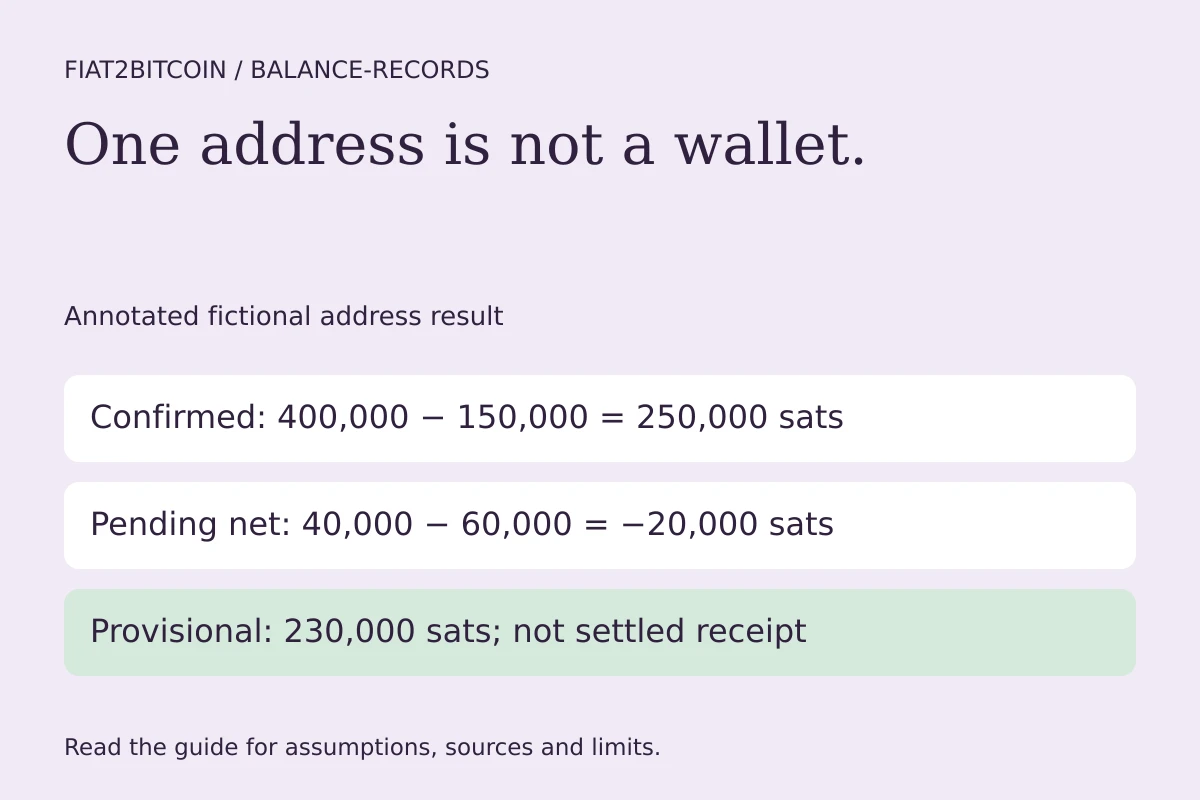
The device protects keys or signing capability; the network records spendable outputs. It does not hold physical coins.
Should I enter my backup into an online balance checker?
No. A balance lookup needs no recovery phrase or private key. An online request for them is a serious warning.
Does a Bitcoin-only edition work with every token called Bitcoin?
No. Verify native BTC and the supported network. Wrapped tokens and other assets require separate support.
Sources & further reading
These primary sources support the explanations and examples above. Check each record’s date and context when following a claim.
- Trezor Safe 7: Official setup and firmware choices
- COLDCARD Q: Official device overview
- COLDCARD: Current security status and migration guidance
- BitBox: Model versus firmware-edition comparison
- BitBox Nova: Official model and connectivity specifications
Sources checked November 24, 2026. Manufacturer claims remain attributed; no universal winner, safety certification, affiliate ranking or device stock claim is made. How we prepare our guides.
Plan recovery before you choose hardware.
Compare access, signing responsibility and backup duties before choosing a device.
Compare hot and cold wallet responsibilities