Where do you find the Bitcoin receiving address?
Arculus’s receiving instructions describe selecting an asset from the asset list, choosing Receive and using Copy or Share. Choose BTC for a native Bitcoin transfer. A receiving QR code represents the destination instructions; it is not a recovery backup.
This is a source-based walkthrough, not a hands-on review of an Arculus device or app version. Screen labels can change. When your screen differs, use support reached through Arculus’s own site rather than an unsolicited direct message.
What if the sender rejects the Arculus address?
An address-format error and a wrong-network error require different checks. A valid-looking prefix does not prove the sender supports it. Our Bitcoin address-type guide explains common formats; it cannot certify what a particular app version generates or what your sending account accepts.
The Arculus receiving instructions do not establish that every Bitcoin address type is available. We therefore do not infer a switch to Taproot, a legacy-address setting or compatibility with every exchange. If rejected, ask the sender which native Bitcoin mainnet address types it supports and ask Arculus about the actual format displayed. Do not edit the prefix or convert an address with an unknown website.
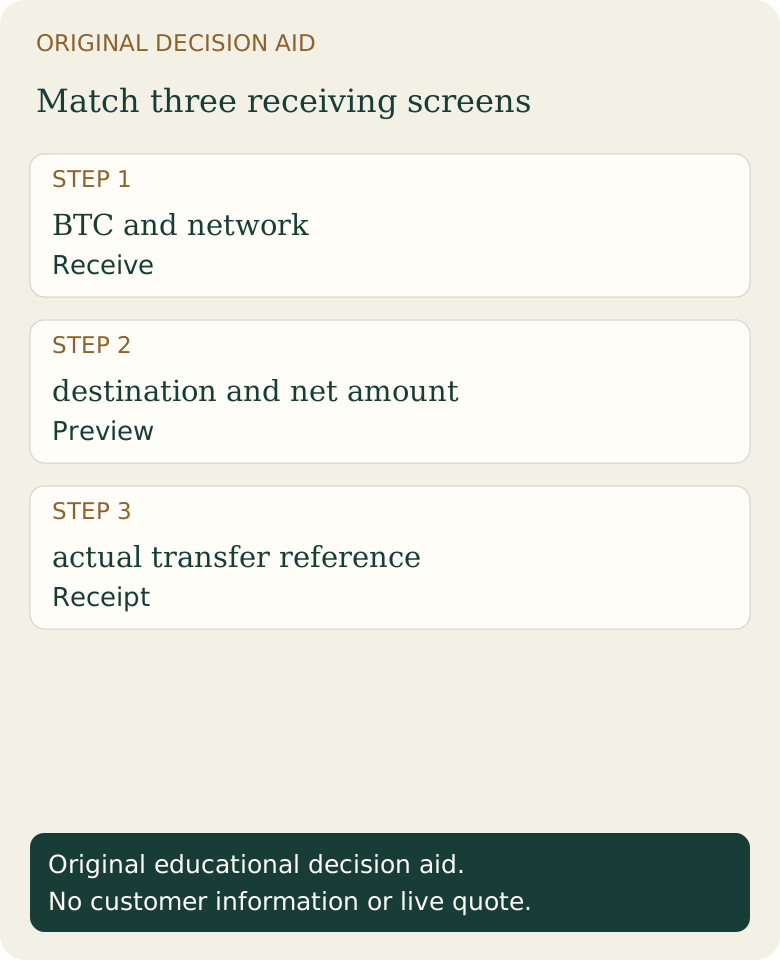
Original worksheet: compare three screens
Keep this worksheet locally. It uses labels rather than asking you to submit an address, balance or screenshot to Fiat2Bitcoin. Fill it from the actual receive screen, sender preview and final receipt.
Scroll across the table to see all columns.
| Screen | Check | Stop if |
|---|---|---|
| Arculus receive | BTC asset, intended network, complete current destination | You selected a different asset or cannot confirm the destination. |
| Sender preview | Same destination and network; amount, fee treatment and minimum | The sender proposes another chain or changes the destination. |
| Final receipt | Sent status, transaction reference and destination match | Only a draft/order exists or a support message asks you to resend. |
Example: a withdrawal fee can change the amount received
Assume an invented withdrawal request of 120,000 satoshis and a 2,000-satoshi fee deducted from that request. The expected net receipt is 118,000 satoshis, or 0.00118000 BTC. If the sender instead charges that fee on top, the receipt could be 120,000 satoshis and the account debit 122,000 satoshis. These are different fee treatments, not Arculus fee claims.
Read the sender’s net-delivery field and the wallet’s receiving requirements. A small test transfer can check a route when permitted and economical, but it does not validate future addresses or guarantee subsequent transfers. Check again for each transfer.
What should you do after sending?
Use the existing transaction ID and transfer-time guide to separate broadcast, confirmation and wallet display. A receive screen is not evidence that a sender has broadcast a payment.
Never disclose recovery words or private keys to troubleshoot receipt. Fiat2Bitcoin does not administer Arculus wallets or approve their transfers. For a separate purchase, review available Bitcoin purchase methods and the provider’s actual destination requirements.
Sources & further reading
These sources explain the payment systems and rules discussed in this guide. For your purchase, check the provider’s current offer and terms.
Published by Fiat2Bitcoin. Worked examples use fictional figures and records; they are not current prices or customer transactions. How we prepare our guides.