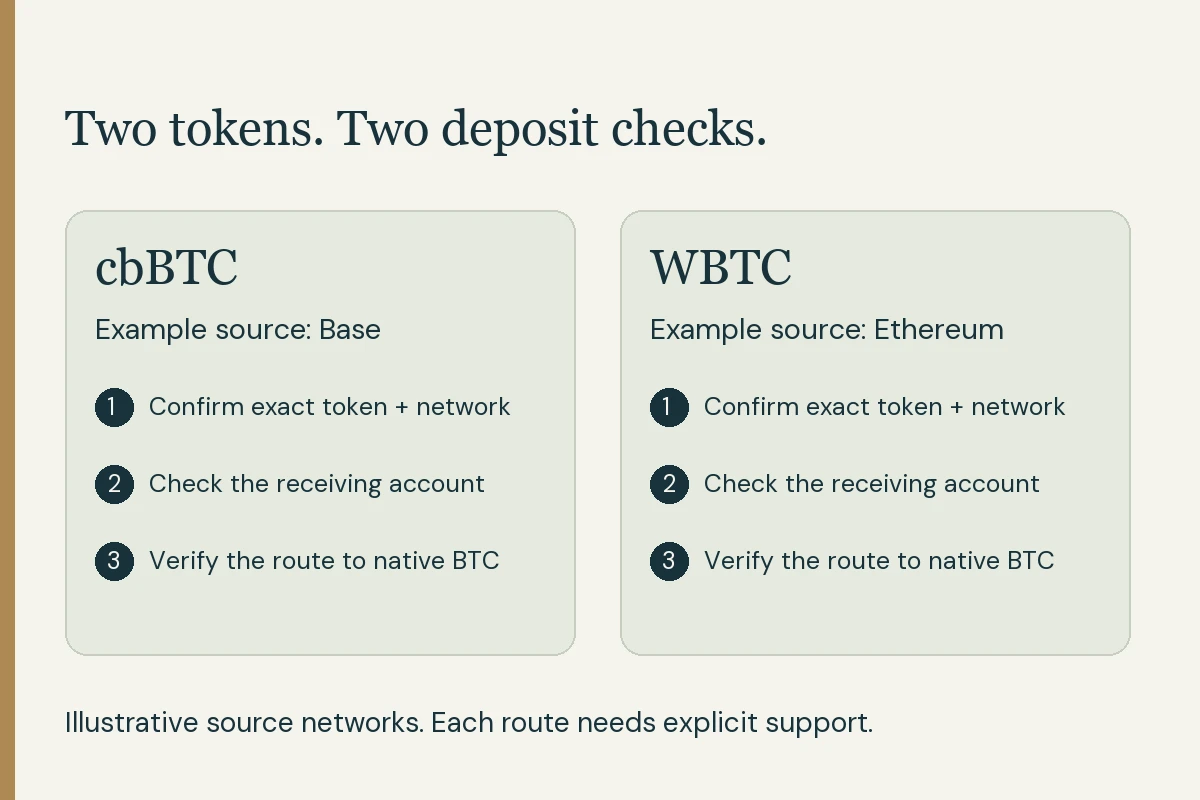
You select a Bitcoin-related balance and the next screen shows an address starting with 0x. Stop at the network choice and identify what the receiving service expects. The same app can offer several accounts and transfer routes.
What does 0x tell you—and what still needs checking?
Ethereum’s account documentation describes the 0x-prefixed account format. Other EVM networks use that format too. MetaMask’s address guidance explains that the same account address can be used across EVM networks.
The prefix helps identify an address family. It does not confirm that the intended service accepts your particular token on the network you selected. For native Bitcoin address types, Bitcoin Design’s address glossary explains the Bitcoin receive formats. Use the whole receive screen and full address rather than validating a transfer from a prefix alone.
Read a fictional receive screen
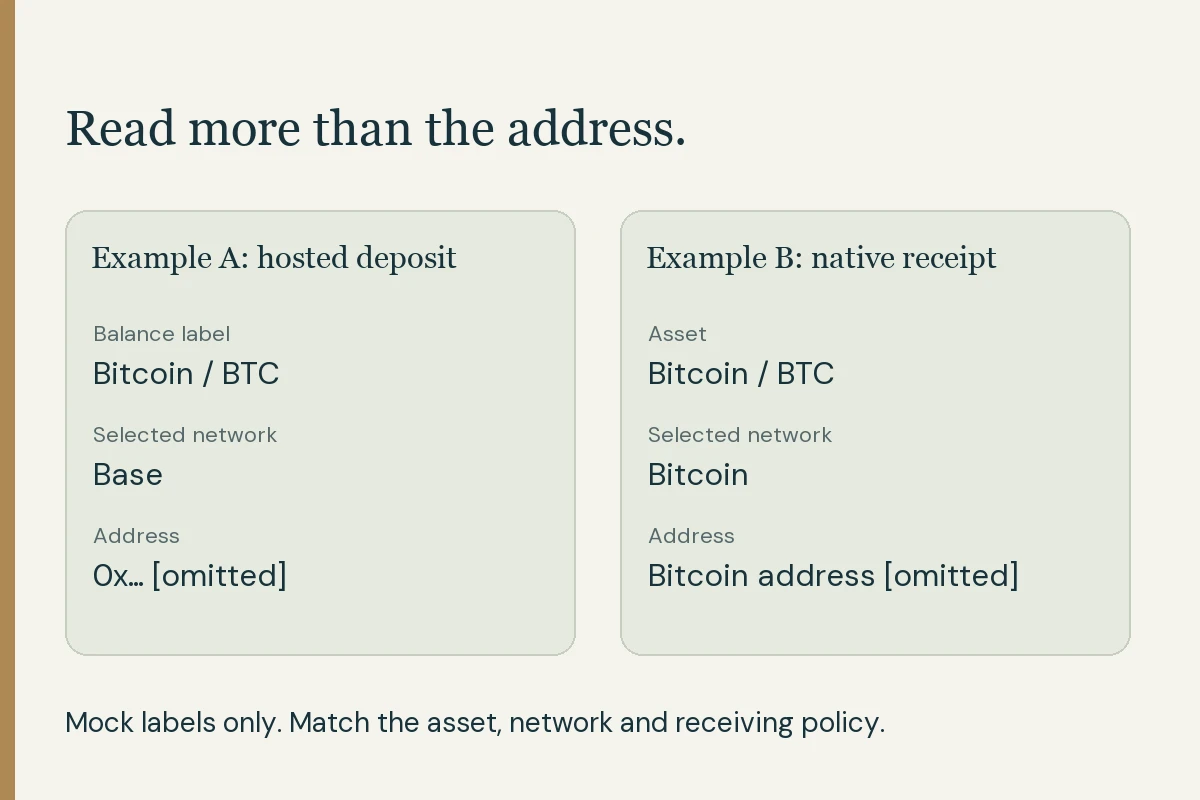
This is a label-only example, not a live Coinbase screen or a usable destination. No full wallet address or QR code is supplied.
Scroll across the table to see all columns.
| Field | Example label | Question to resolve |
|---|---|---|
| Product | Hosted service account | Is this the account whose deposit policy you checked? |
| Balance label | Bitcoin / BTC | Which token will actually travel on the selected network? |
| Deposit network | Base | Does this account explicitly accept that token over Base? |
| Receiving address | 0x… [full value omitted] | Was the actual full address generated for this supported deposit? |
Which situation are you in?
Scroll across the table to see all columns.
| Situation | What to check | Next action |
|---|---|---|
| You want native BTC in your Bitcoin wallet | The wallet’s Bitcoin receive screen and the sender’s Bitcoin withdrawal option. | Obtain matching native-BTC/Bitcoin instructions before approving. |
| You hold cbBTC or WBTC in self-custody | The exact token and network accepted by the destination. | Use the wrapped-token route guide; a pasted Bitcoin address cannot perform conversion. |
| A hosted service labels a balance BTC but offers an EVM network | Its account-specific wrapped-deposit and crediting policy. | Confirm what token is sent, how it is credited and how native BTC can later leave the account. |
Why might a service show BTC with an alternative network?
Coinbase’s wrapped-assets help, checked November 12, describes eligible customers receiving supported cbBTC deposits into an underlying BTC balance. The asset selection, network selection and account policy work together. Its region and product restrictions still apply.
That example concerns a hosted service account. Holding a token in a self-custody wallet follows a separate process. The cbBTC-versus-WBTC comparison helps identify the correct product; the wrapped-token to native-BTC guide follows the conversion and withdrawal stages.
Check these five things before sending
- Open the receiving service through its official app or website. Choose the intended account, asset and network.
- Match that choice with the sender’s actual token and network. Clarify any mismatch before approving.
- Read the full receiving address from that screen. Compare it with the final sender preview, including any required additional instructions.
- Check deposit minimums, supported token identifiers, network costs and any later conversion or withdrawal conditions.
- If a test transfer is appropriate, confirm support and minimums first and account for both transfers’ costs. Keep the original records.
Already sent to a 0x address and cannot see the funds?
Record the actual asset, source network, full destination, amount, transaction ID and time. Check the transaction on the explorer for that network. A Bitcoin explorer and an EVM explorer read different network records.
For a hosted destination, ask the receiving service about that exact asset/network deposit through verified support. For self-custody, follow the wallet’s official documentation. MetaMask’s wrong-network guidance explains why the destination and network affect available options. Recovery depends on the actual case; keep private keys and recovery phrases out of messages and recovery sites.
A useful support message is: “I sent [asset] on [network], transaction [ID], to [full destination] at [time]. My account shows [status]. Can this account accept or investigate that exact deposit, and which step remains?” Use the service’s secure channel for your real records.
Sources & further reading
These sources explain the payment systems and rules discussed in this guide. For your purchase, check the provider’s current offer and terms.
- Ethereum.org: Account address format
- MetaMask: Address format across EVM networks
- Bitcoin Design: Bitcoin receiving addresses
- Coinbase: Supported wrapped deposits and restrictions
- MetaMask: Wrong-network transfer guidance
Published by Fiat2Bitcoin. Worked examples use fictional figures and records; they are not current prices or customer transactions. How we prepare our guides.