
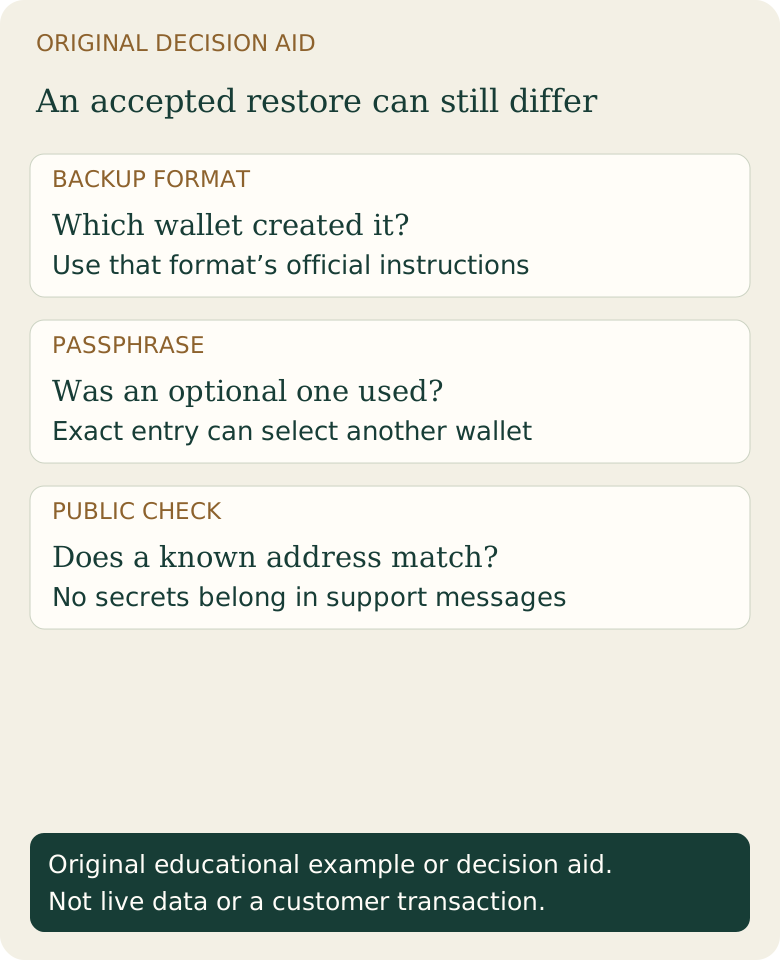
Which secret does which job?
Recovery words back up wallet key material in a particular format. An optional seed-extension passphrase changes the derived wallet in systems that support it. A device PIN or app password usually protects access to a device or file. These roles are different, and names vary between products.
Do not assume every wallet implements BIP39 or that any word list works in any application. Electrum, for example, documents its own seed system as well as other restore options. Use the documentation for the wallet and backup type you actually have.
Keep a recovery inventory without putting secrets in it
Scroll across the table to see all columns.
| Record | Safer note | Why it matters |
|---|---|---|
| Wallet application and version | A nonsecret product/version note | Helps locate the correct restore instructions |
| Backup format | Record its type, not its contents | Distinguishes recovery words, a wallet file and other backup material |
| Passphrase enabled? | Yes/no/uncertain, with no passphrase text | Prevents confusing a standard wallet with a separate passphrase wallet |
| Account/address type | Nonsecret account description | Helps explain a different address list after restoration |
Example: the backup restores, but the balance is zero
Fictional situation: Morgan restores a supported backup and opens the standard wallet. The expected receiving address is missing. Before concluding that funds disappeared, Morgan checks whether the original wallet used a passphrase and a different account type.
In a passphrase-based system, an omitted or differently entered passphrase can derive different addresses. A familiar-looking screen or a successful restore does not prove the intended wallet was recovered. Compare a known public receiving address or transaction history using the wallet’s trusted verification process. Do not publish that address and your broader financial history unnecessarily.
What should a passphrase storage plan consider?
A plan must survive loss, damage and the owner forgetting details while keeping unauthorized people from assembling the secrets. Securely recording an exact passphrase and documenting how trusted recovery works can be more important than choosing something memorable under pressure. A passphrase stored beside the backup may undermine the separation you intended.
This page offers no passphrase generator, strength certification or universal minimum length. Product limits, encoding behavior and your threat model matter. Never paste existing secrets into a website, chatbot or support form for a “strength check.” Before funding, follow the wallet’s official backup-check procedure; do not create a risky internet-connected restore just to test a theory.
Can support recover a missing passphrase?
For the Trezor passphrase feature documented in the sources, the exact passphrase cannot be reset by support to restore the same wallet. A resettable app login is a different mechanism. Understand the distinction before adding funds or changing a recovery plan.
An unexpected empty wallet also has other possible causes, including a different backup, account, derivation setting, or a synchronization problem. Use the backup-and-restore decision guide and seed-phrase guide. Never pay a supposed recovery agent who asks you to upload recovery words.
Sources & further reading
These sources explain the payment systems and rules discussed in this guide. For your purchase, check the provider’s current offer and terms.
- Trezor: Passphrases and separate wallets
- Electrum: Frequently asked questions
- Bitcoin.org: Securing your wallet
Published by Fiat2Bitcoin. Worked examples use fictional figures and records; they are not current prices or customer transactions. How we prepare our guides.