Start with a copy and an inventory
If you find an old drive or file, avoid overwriting it, reformatting it or installing recovery software onto that same drive. Preserve the original and work from a copy when appropriate. This protects evidence of what you actually had; it does not guarantee that a damaged file can be recovered.
Record the application name, approximate creation period, file name and any nonsecret version information. A file extension alone is not a reliable product identifier. Do not open an executable merely because its name says “wallet backup,” and do not upload files to a stranger offering an automatic recovery check.
Which backup type do you hold?
Scroll across the table to see all columns.
| What you see | What it means | Next check |
|---|---|---|
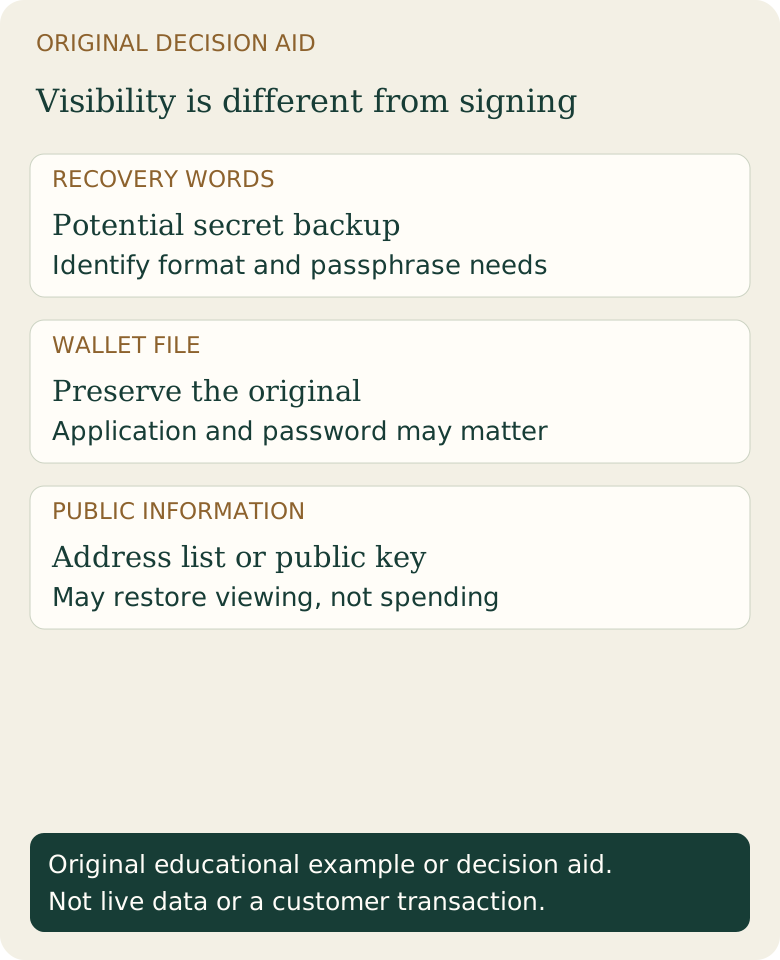
| Recovery words | Potential secret key backup in a particular format | Identify the originating wallet, passphrase requirements and supported restore format |
| Wallet file | May contain encrypted or unencrypted wallet data | Use the correct application and preserve the original; a password may be required |
| Extended public key or descriptor without signing keys | Can describe addresses and history | May be watch-only; it does not by itself restore spending ability |
| Screenshot of balance or account login | Evidence of a display or hosted account | Use the actual service’s account recovery; do not treat a screenshot as a private-key backup |
What changes for an Electrum restore?
Electrum documents a seed system that should not be assumed interchangeable with every other wallet’s recovery words. Its official FAQ also explains that a wallet-file password and seed recovery have different roles. Check the exact restore option supported by your material before proceeding.
A watching-only Electrum wallet can display addresses and prepare an unsigned transaction while keeping signing keys elsewhere. Restoring that file may restore visibility without restoring the ability to spend. That outcome is not proof the backup was “fake.” Read the watch-only guide to distinguish the two.
Example: what would count as a useful restore check?
Hypothetical record: the original wallet had a known receiving address and an outgoing transaction. After a controlled official restore, compare the recovered account’s public address/history with that record, and check whether signing capability is present in the intended setup. Seeing any balance is not enough; an address imported from someone else can display their coins.
This is a verification plan, not a claim that we restored your wallet, tested Electrum hardware, or recovered a customer’s funds. Our separate Bitcoin Core recovery guide records the limited offline Core restore test actually performed. Do not generalize that test to another wallet or a damaged drive.
What if restoration shows no funds?
Check the correct backup, optional passphrase, account/address type and synchronization status before assuming coins were stolen. A correct old address can show transaction history even if its current spendable balance is zero. A hosted service’s account-credit issue belongs to its support process, not a seed import.
Stop if the next step would expose secrets or destroy the only copy. A professional recovery decision should begin with scope, confidentiality, evidence preservation and verifiable identity, not a promise of guaranteed funds. Fiat2Bitcoin is not a wallet-recovery service and does not need your backup to deliver a provider purchase.
Sources & further reading
These sources explain the payment systems and rules discussed in this guide. For your purchase, check the provider’s current offer and terms.
- Bitcoin.org: Securing your wallet
- Electrum: Frequently asked questions
- Electrum: Offline and watching-only wallets
Published by Fiat2Bitcoin. Worked examples use fictional figures and records; they are not current prices or customer transactions. How we prepare our guides.