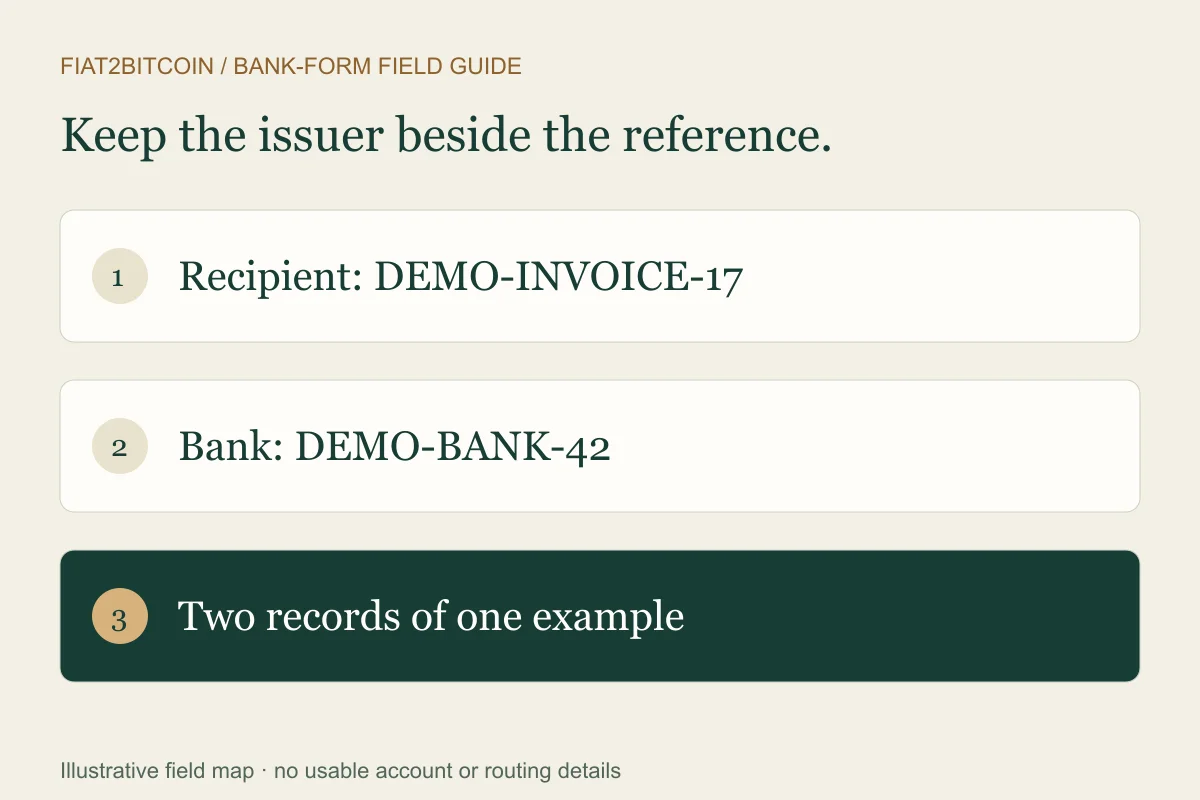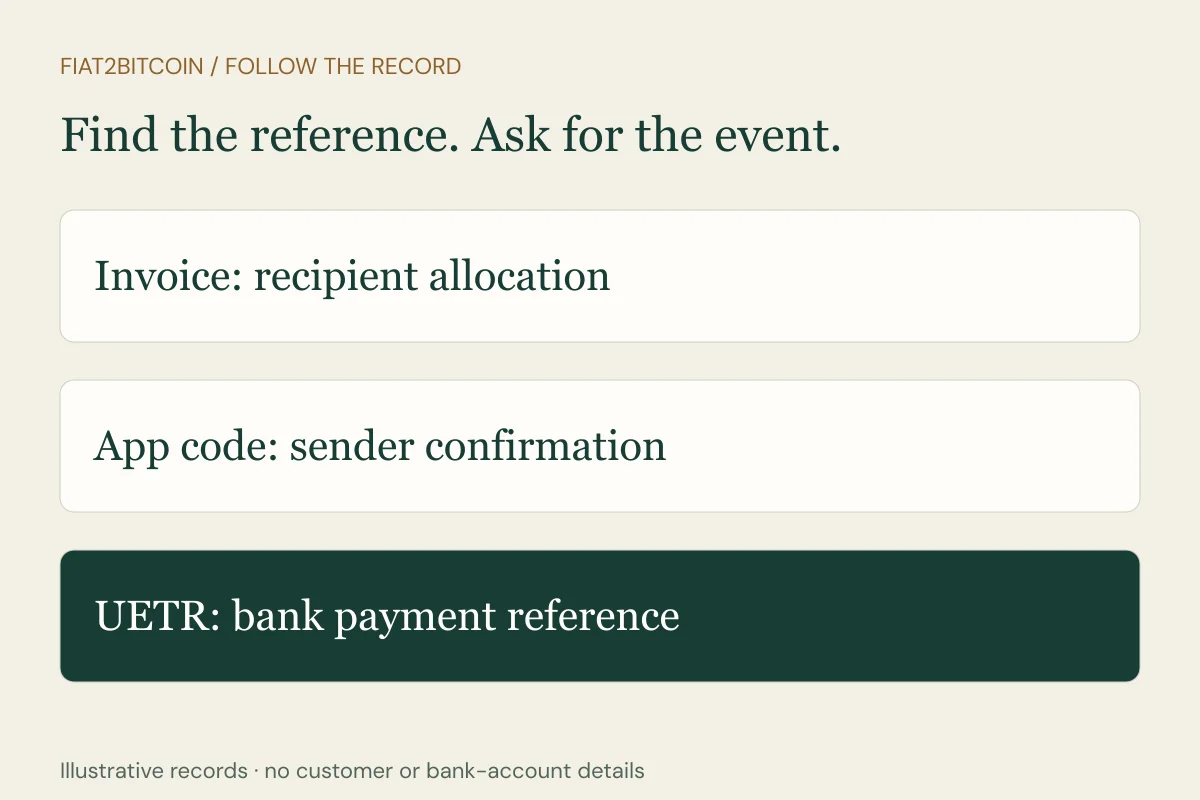
Your recipient asks for a UETR, but your app shows an order number and a short confirmation code. Start by asking the sending institution which reference identifies the Swift payment itself. Keeping each identifier with its issuer helps you give the right team the information it can actually use.
What is a UETR number?
Swift defines a UETR as a unique 36-character reference carried with its payment instructions. The originating institution supplies the reference, and intermediary institutions pass it onward rather than replacing it with a new one. That shared identifier helps the institutions involved follow the same payment.
The term is often called a UETR number even though the reference can contain letters and separators. Copy the complete value from the institution-issued record, preserving its characters. If a PDF wraps it onto two lines, have the bank confirm the complete reference before sharing it.
First confirm the payment route. A domestic ACH entry or Fedwire payment has its own relevant tracing references. The ACH trace-number guide and IMAD guide cover those records. Ask the bank which system handled your transfer instead of treating every international or domestic payment as the same route.
Where do you find your UETR?
Open the sending institution’s official app or website and select the specific transfer. Look for a detailed confirmation, payment advice or downloadable receipt with a label such as UETR or Unique End-to-end Transaction Reference. A summary notification may show fewer fields than the detailed record.
Wise’s UETR help page points its customers to the transfer confirmation downloaded from transaction details. That is one provider’s process. Your bank may supply the reference through its payments team or secure messaging instead of showing it in the app.
If you cannot locate it, ask: “Was this payment sent over Swift? Please provide its UETR, actual sending date, amount, currency and current status.” If the institution used another network, request that route’s investigation reference. Use the wire-transfer-receipt guide to identify the rest of the record.
One fictional transfer can have three different references
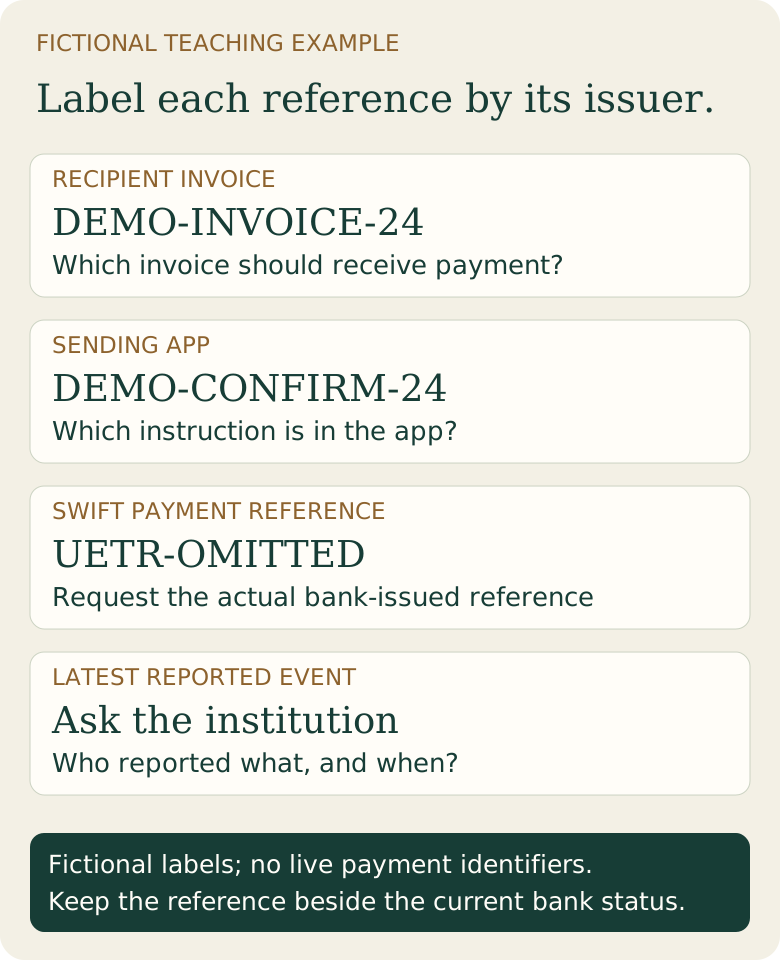
In an invented invoice payment, Example Studio LLC requests DEMO-INVOICE-24. The sending app assigns DEMO-CONFIRM-24. The bank’s detailed payment record supplies a separate UETR, omitted here. These labels illustrate different records; none is a usable account number or live payment reference.
When the recipient’s payments team asks which invoice the payment covers, DEMO-INVOICE-24 answers its matching question. When the sending bank asks for its confirmation, use DEMO-CONFIRM-24. When the banks request the UETR, obtain the complete bank-issued value rather than substituting either shorter reference.
Scroll across the table to see all columns.
| Identifier | Fictional value | Question it helps answer |
|---|---|---|
| Recipient invoice reference | DEMO-INVOICE-24 | Which invoice should receive the payment? |
| Sending-app confirmation | DEMO-CONFIRM-24 | Which instruction is in the sender’s records? |
| Swift payment UETR | UETR-OMITTED | Which payment should the banks trace? |
| Latest bank status | Request an update | What happened to that payment? |
How do you track a payment using a UETR?
Give the reference to the sending institution through its verified support channel. Include the amount, currency, sending date and the recipient’s report of what is missing. Ask for the latest reported event, the institution reporting it, its timestamp and any action needed from you.
Swift’s UETR overview describes tracking for financial institutions, including its Basic Tracker. Customer access depends on the service your bank offers. Use a bank-provided customer tracker or ask the bank to obtain the status; having a reference does not itself give you access to bank systems.
Ask the recipient to have its bank check the incoming payment using the same reference. If that bank reports receipt but the recipient’s invoice or purchase account remains unmatched, move the inquiry to the recipient’s payments team and supply its requested allocation reference. Keep bank credit and internal matching as separate questions.
What if a tracker shows nothing or the payment is still missing?
A blank result needs an explanation from the institution handling the payment. Ask it to confirm the reference, network, release status and latest investigation findings. A site that recognizes the shape of a reference may offer only a format check; establish where any claimed status data comes from before relying on it.
Keep a short case record: original bank reference, UETR, last confirmed event, case number and agreed follow-up date. If the bank reports rejection or return, ask how it will account for the funds and any separate charges. If the recipient reports a different amount, compare currencies, fees and the exact payment being matched.
The wire-tracking guide provides a broader investigation sequence. Avoid creating a replacement transfer while the original remains unresolved; first ask both sides how another payment would affect the open case.
Is a UETR the same as a Bitcoin transaction ID?
A UETR belongs to the bank-payment record. A Bitcoin transaction ID identifies a transaction on the Bitcoin network. For a purchase, the provider’s order reference connects its own payment and delivery records, so ask about those stages separately.
Use the provider named in the actual checkout for purchase-specific status and payment requirements. Fiat2Bitcoin does not receive customer wires or issue bank instructions. Check currently offered purchase methods for your location and account before planning a route. Keep references private and share them only with the verified teams investigating the payment.
Sources & further reading
These sources explain the payment systems and rules discussed in this guide. For your purchase, check the provider’s current offer and terms.
Published by Fiat2Bitcoin. Worked examples use fictional figures and records; they are not current prices or customer transactions. How we prepare our guides.