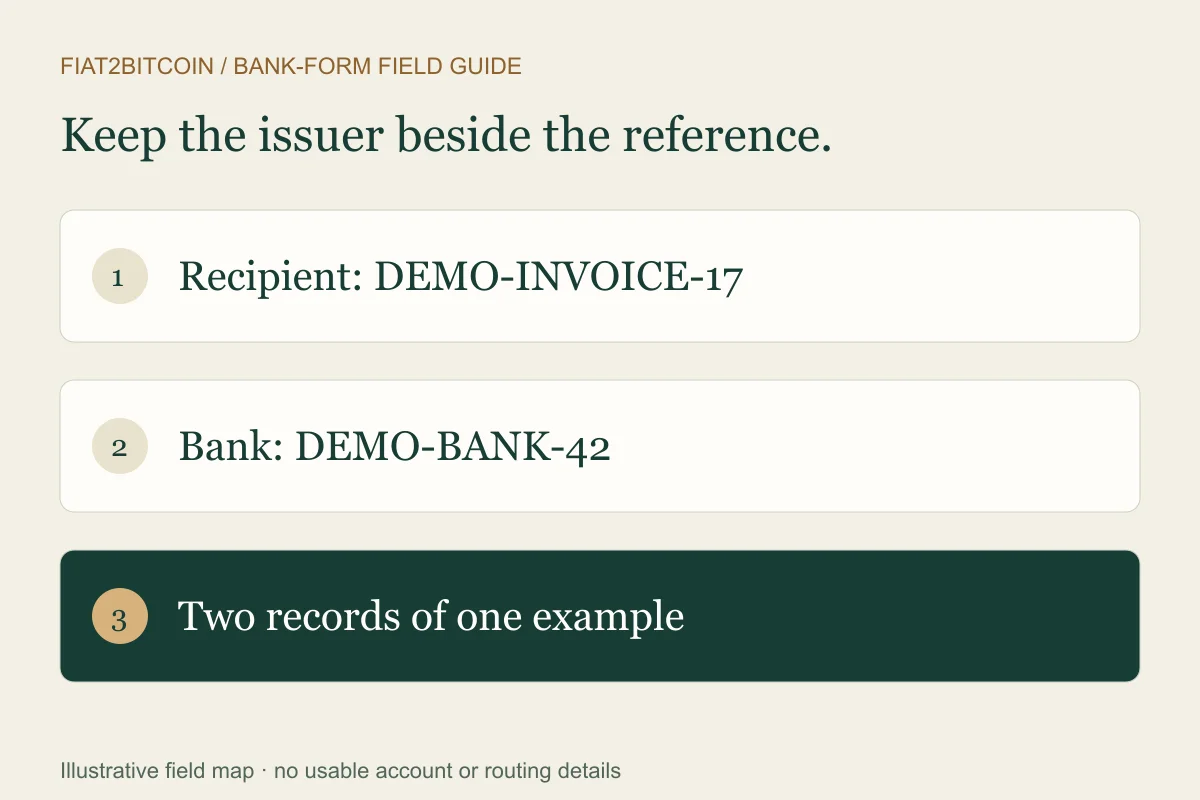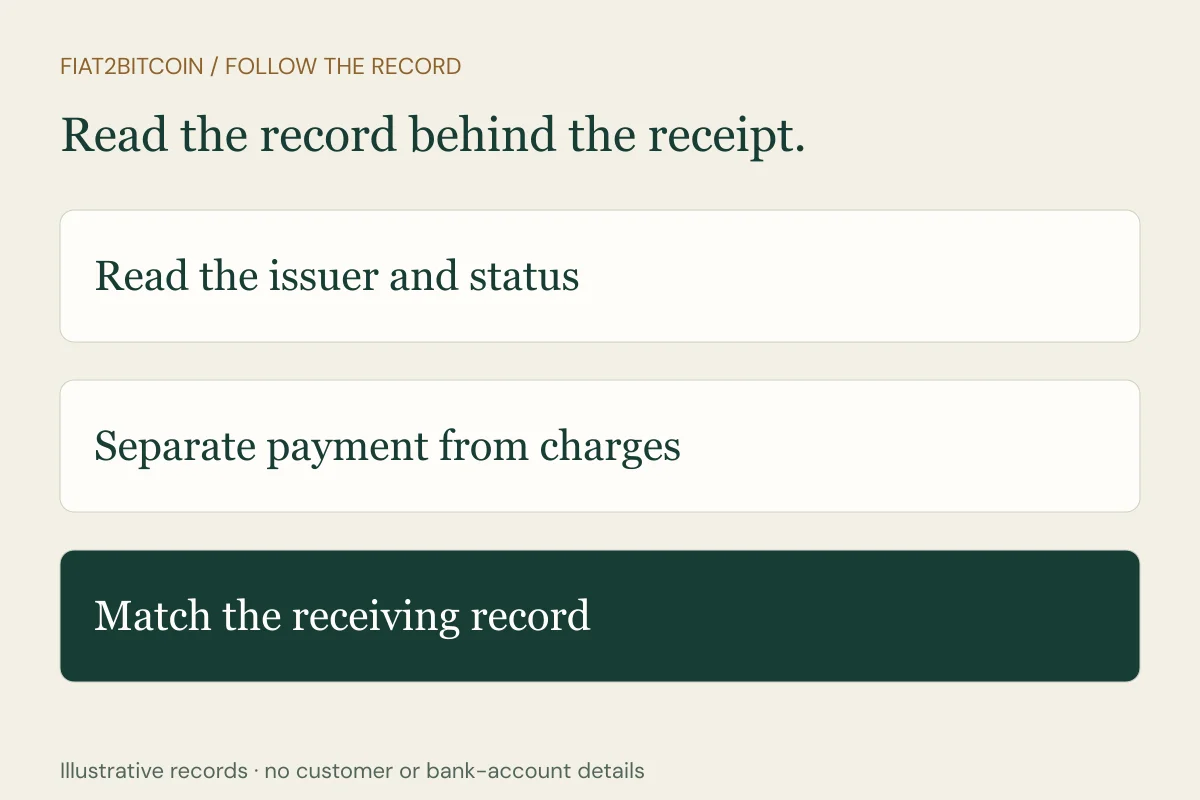
Someone says the wire was sent and emails a PDF. Before acting on the document, establish who issued it, which payment it describes and what its status actually means. A receipt is most useful when it helps the bank and recipient match the same transfer, rather than leaving you to infer completion from the page’s appearance.
What if the document calls the payment a T/T or outward remittance?
A T/T or telegraphic transfer label identifies the method under the bank’s terminology. An outward-remittance entry identifies the sending perspective. Read the issuer, reported event, amount, currency and references on the actual record rather than assuming either label proves delivery.
Keep a supplier’s deposit schedule or provider’s order status separately. A receipt can help the sending bank investigate its transfer; the receiving account credit and recipient’s allocation still require their own evidence. If an invoice calls for a balance payment, confirm which earlier payment was matched before authorizing another.
What do OUR, SHA and BEN mean beside the charges?
These labels describe which side bears transfer charges. OUR generally assigns charges to the sender; SHA splits responsibility, with the sender paying its bank’s charges and the recipient bearing the other applicable charges; BEN assigns charges to the beneficiary. Available choices and their treatment depend on the actual bank, route and terms.
Flywire’s charge-option guide explains those labels in its own payment context and identifies DEBT, SHAR and CRED terminology on ISO 20022 records. Ask your bank which option was used and reconcile the actual sender debit and recipient credit rather than inferring an exact delivered amount from a code.
The fictional inward-remittance example shows a USD 640 instruction reduced by an invented USD 9 charge to a USD 631 credit. Use the banks’ records to explain a real difference before arranging any additional payment.
What does a wire transfer receipt show?
A receipt or confirmation can show the sending institution, sender, beneficiary, amount and currency, request or sending date, payment references and charges. The exact fields depend on the institution, route and document type. Read any status definition provided by the issuer alongside those details.
Wells Fargo’s digital-wire FAQ illustrates why the label matters: in its system, Scheduled describes a wire that has not started processing, while Completed means it was sent successfully. Those definitions describe that bank’s outgoing process. Ask the recipient separately about the receiving-account credit and any invoice or order allocation.
Keep the amount and currency together. A debit that includes a bank fee can differ from the instructed payment amount; currency conversion or deductions may also need explanation. Use the purchase-cost guide to organize a difference without assuming every amount on the page is a second payment.
A fictional receipt: read the event before the amount
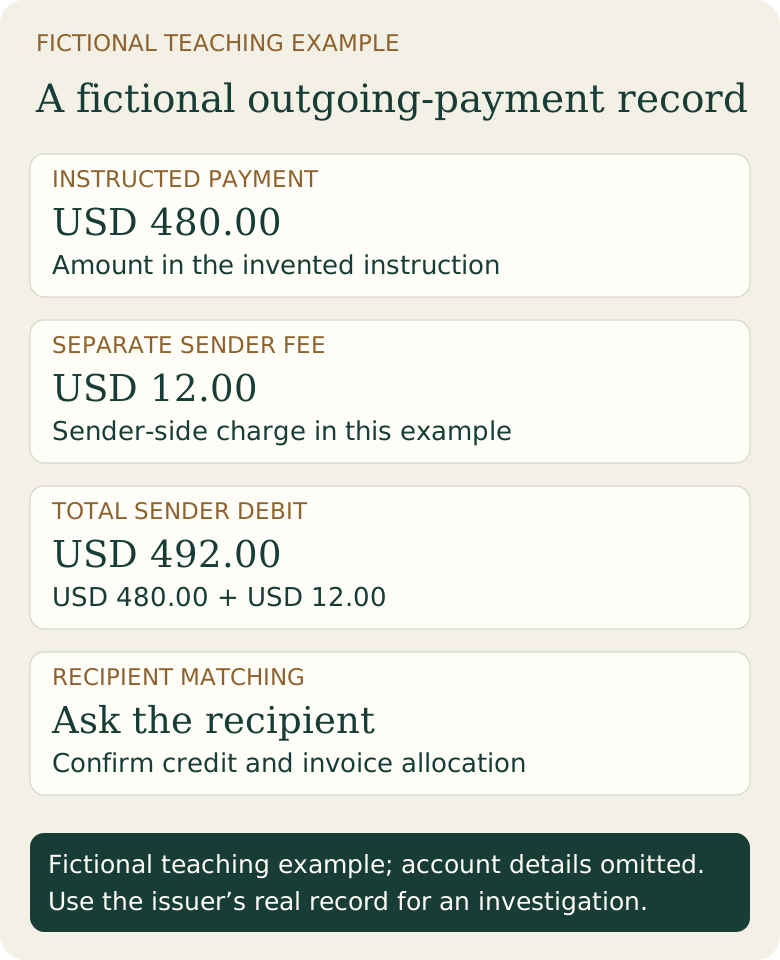
Alex Example’s invented record shows an instruction to Example Studio LLC for USD 480.00 and a separate USD 12.00 sending fee. The total fictional sender debit is USD 492.00. Its status says “sent by the sending institution”; receiving-account credit and invoice matching remain questions for the recipient.
This is a teaching table, not a bank document, receipt template or transaction report. Account numbers and bank identifiers are omitted. Its purpose is to show which questions belong to which record.
Scroll across the table to see all columns.
| Field | Fictional value | What to check |
|---|---|---|
| Payment amount | USD 480.00 | Amount instructed to the recipient |
| Separate sending fee | USD 12.00 | Sender-side charge in this example |
| Total sender debit | USD 492.00 | Payment plus the separate charge |
| Bank confirmation | DEMO-SEND-24 | Sending institution’s own reference |
| Recipient matching | Ask the recipient | Credit and allocation to the intended invoice |
How do you get a wire transfer receipt or PDF?
Use the sending bank or provider’s official transaction history. Select the specific transfer and look for confirmation, receipt, payment advice or document options. If the download is missing, check the current stage and ask support whether a detailed record is available for that route.
Wise’s confirmation instructions provide a product example: its sender can download a PDF for a completed transfer, and its banking-partner reference helps a recipient bank investigate. The same page distinguishes completed transfers from in-progress and cancelled records. Follow your institution’s own process rather than expecting the same menu everywhere.
Mercury’s SWIFT-receipt guide explains that an international payment document may use MT103 or pacs.008 format depending on how it was sent. It also describes when the receipt option may be absent. Ask your sending institution for the appropriate current document; “receipt” is not a promise that every bank supplies the same message layout.
Which number on the receipt should you give support?
Tell support who issued each identifier. An app confirmation, network reference and recipient order number can identify different records. For a Swift payment, ask for the UETR. For a Fedwire payment, ask which IMAD or OMAD reference the bank needs.
Bank of America’s remittance-transfer guidance lists the confirmation code from its Transfer Receipt among the details used for an error inquiry. That demonstrates the role of the issuer’s own identifier; use your bank’s verified contact route and ask about its process for your transfer.
If the recipient requires further-credit information, confirm whether the original payment transmitted those details completely. A correct main receiving account and a separate customer-allocation reference can both matter. Keep the recipient’s payment reference with the bank’s tracing information.
How do you check a receipt someone sent you?
If you are the sender, compare the document with the transfer inside your own authenticated banking record. If you are the recipient, ask your bank or payments team to match the actual incoming credit to the amount, currency, sender and references. Keep payment status separate from an email promising that funds are on the way.
PDF formatting, a logo or a reference-shaped string can be copied. Use an established bank or business contact route to resolve discrepancies rather than a new phone number or login link printed on an unexpected attachment. Ask for the exact event the issuing institution confirms and the record the recipient can locate.
If payment instructions changed or someone pressures you to release goods, send another transfer or buy crypto based on the attachment alone, pause and verify the existing payment through those independent records. The wire-fraud guide covers changed-instruction checks.
Sources & further reading
These sources explain the payment systems and rules discussed in this guide. For your purchase, check the provider’s current offer and terms.
- Wells Fargo: Digital-wire status definitions
- Wise: Transfer confirmation downloads
- Mercury: SWIFT receipts and current message formats
- Bank of America: Transfer-receipt confirmation code for inquiries
Published by Fiat2Bitcoin. Worked examples use fictional figures and records; they are not current prices or customer transactions. How we prepare our guides.